
Stop treating your store like a brochure. Learn how to budget, evaluate costs, and choose the right ecommerce website design company.


Ecommerce ERP Integration Guide: How to Connect Your Systems
Sep 10, 2024
about 19 min read
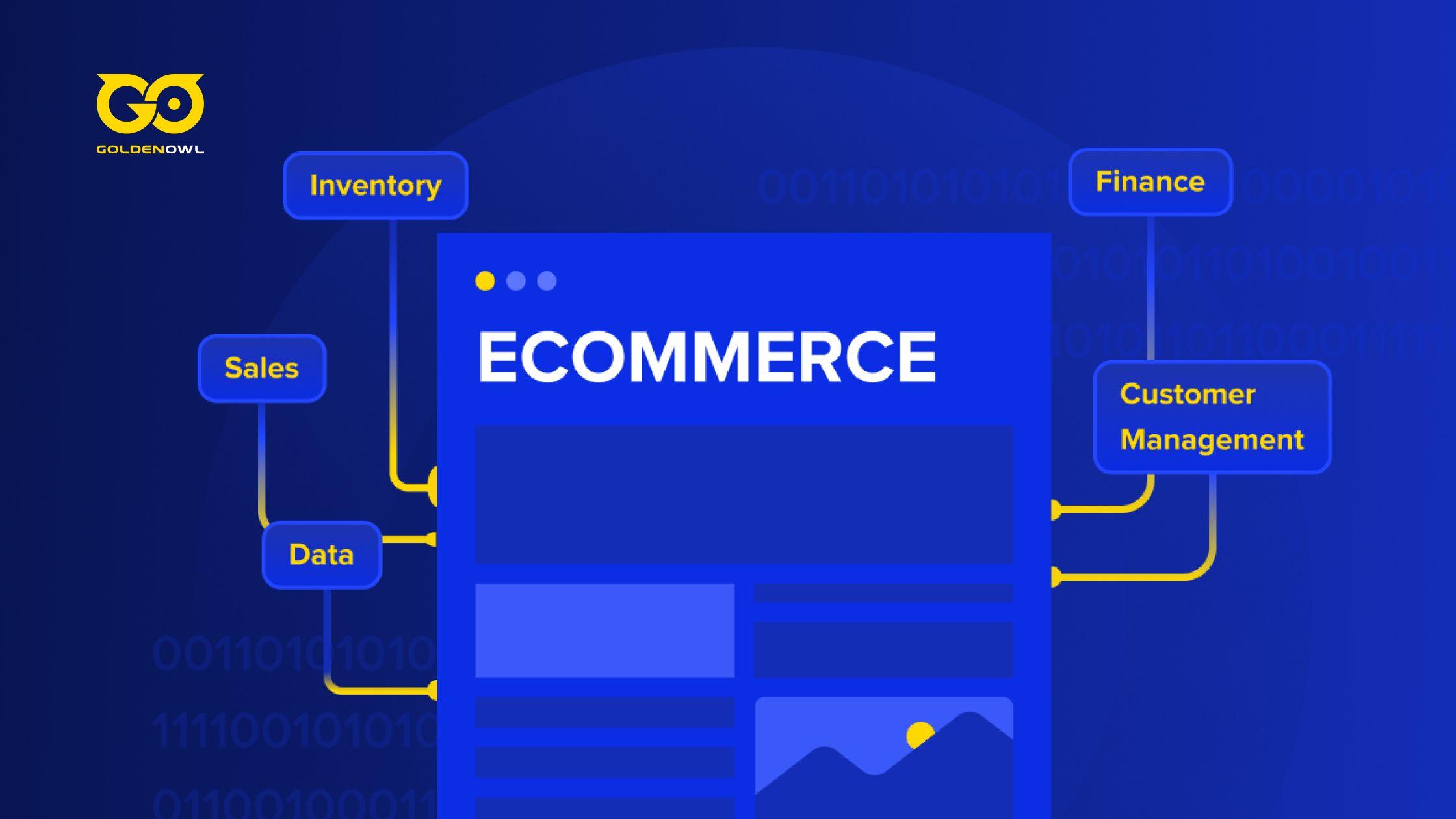
Learn how to connect your ecommerce store with ERP, inventory, finance, and other systems for real-time data and more efficient operations.
Avoiding an ecommerce ERP integration and letting your core apps run in silos is like driving with the parking brake on. The symptoms show up every day: your website shows the wrong price, you sell products that aren't in stock, and your sales team burns hours copying and pasting order details.
This puts a hard ceiling on growth. New sales channels can't launch on time, and your tech people get bugged for simple updates they shouldn't have to touch.
The way out is to treat this as a core business strategy. A proper integration wires your digital storefront directly into your back-end platforms, including inventory and finance systems. When an order comes in, the information flows everywhere it needs to go on its own, giving you a single source of truth for your entire company.
Once you get rid of that manual busywork, you start to see just how much money you were burning by running a disconnected business.
What is ERP Integration With Ecommerce?
Ecommerce ERP integration is the process of connecting an Enterprise Resource Planning (ERP) system with an online store to streamline business operations.
This integration allows for seamless data flow between the ERP system and the eCommerce platform, ensuring that information such as inventory levels, order details, and customer data are synchronized in real-time.
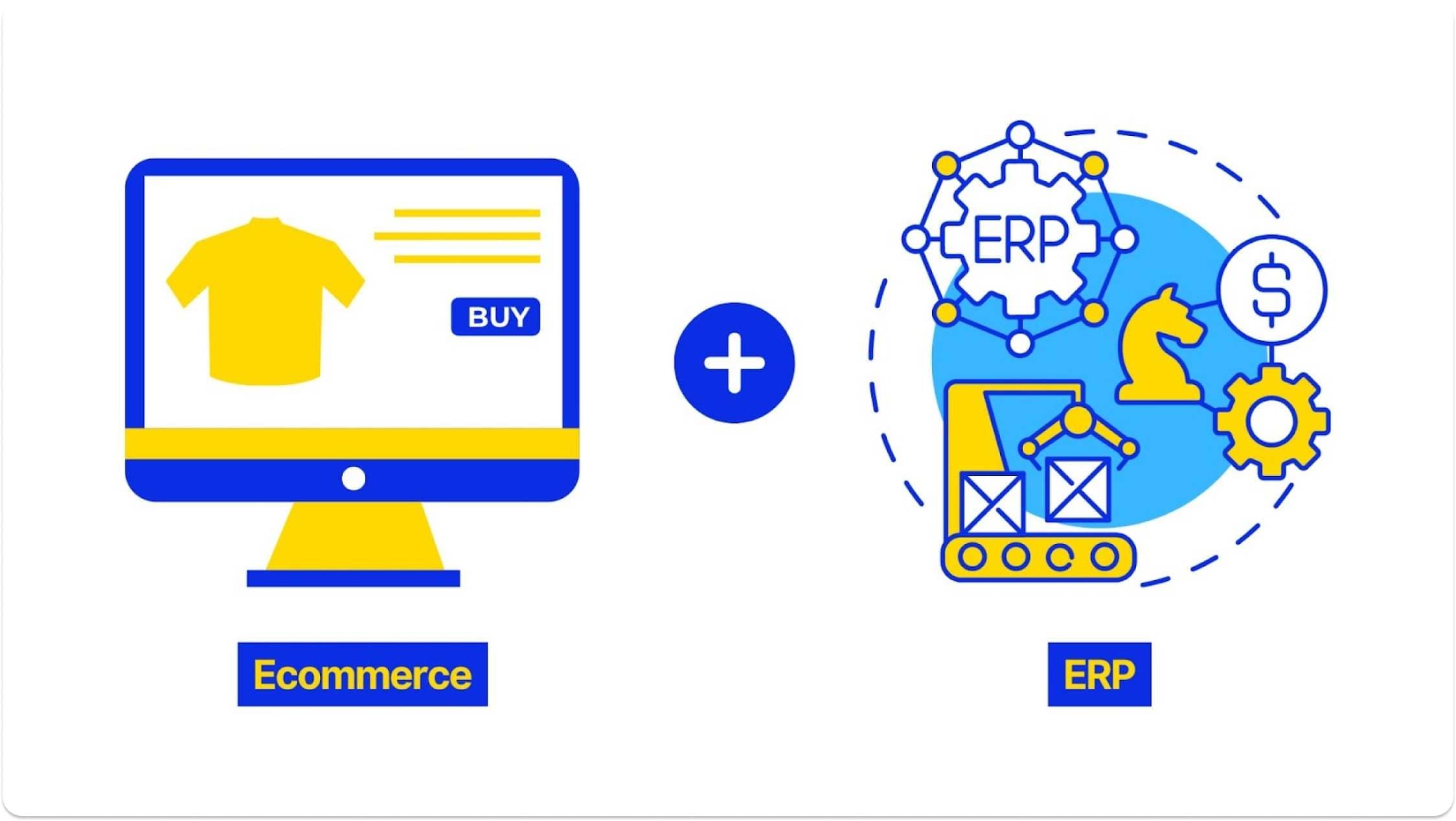
Additionally, it reduces manual data entry errors, speeds up order fulfillment, and provides accurate, up-to-date information for better decision-making. Additionally, it helps in maintaining a consistent customer experience across online and offline channels by ensuring that product availability and pricing are always current.
When Disconnected Systems Become a Liability
Running your Shopify store and your warehouse software as two separate islands works fine when you're getting off the ground. The moment you start to grow, it becomes a massive liability that turns your best people into expensive data-entry clerks and caps your potential.
Your Team is Drowning in Manual Data Entry
The most obvious cost of disconnected systems is the time your team wastes on repetitive, low-value tasks like data entry, data processing, and combining data from multiple sources. Research shows that 90% of employees in large companies feel bogged down by this kind of manual work.
Every time someone manually types an address or updates a spreadsheet, you're rolling the dice on human error. That's how a typo in a zip code delays a delivery by a week, or a customer never gets their tracking number because someone forgot to copy-paste it into the email system.
Inaccurate Inventory Causes Overselling and Stockouts
Disconnected inventory is what lets you sell products you don't have. Picture a flash sale: the website shows 500 units in stock and orders flood in, but your warehouse system knows there are only 50 left after a big wholesale order shipped yesterday. You've just sold 450 units of a product you don't have.
Now you're stuck processing hundreds of refunds and reversals, which triggers a wave of backorders and a flood of angry support tickets. You have to explain to customers, especially wholesale ones, why you took their money for something you can't deliver. This torches the trust you worked hard to build and leaves you with a reputation that's exceptionally difficult to repair.

The Customer Experience is Suffering
To your customer, these operational hiccups are signs of a sloppy, unreliable business. That typo that sent their package to the wrong state isn't a clerical error to them; it's a broken promise.
When a customer gets an order confirmation and then hears radio silence for three days, no shipping notification and no tracking number, they don't think your systems must not be integrated. They think they got scammed. Every manual step in your process is another chance to drop the ball.
Decision-Making is Slow and Based on Old Data
Scattered data makes every decision a guess based on old information. To plan for next quarter, you need to know what sold last week, what your margins are right now, and how much inventory you're actually sitting on.
When that data lives across three different systems, getting answers becomes a major project. You wait for someone to pull the numbers, stitch them together in a spreadsheet, and hope they didn't make mistakes. By the time the report lands, the data is already old news and you're making strategic calls on a blurry snapshot.
You Can't Scale Operations Efficiently
Manual workarounds that feel manageable at 100 orders a day will cripple you at 1,000. The processes built for a single warehouse and a handful of products break down the moment you try to expand.
At a certain point you hit a wall. You can't open more fulfillment centers, add more products, or introduce complex pricing without hiring more people to copy and paste data. At that point you're not scaling a business, you're just scaling your payroll and your problems.
The Strategic Payoff of Ecommerce ERP Integration
The payoff for all that prep work is a crystal-clear view of sales, customer behavior, and cash flow. The endless cycle of fixing conflicting records stops, and your team shifts from putting out fires to growing the business.
Defining ERP and the Goal of Integration
The goal of integration is to make your ERP the single source of truth, the operational spine of your company. Your digital storefront and other sales channels feed it clean, real-time information, so the central brain processes precise signals.
When a new order comes in, it triggers a chain reaction across your entire company, from the warehouse to the finance team. This direct line of communication means your leadership makes decisions based on what's happening right now, not on stale reports that were outdated the moment they printed.
Create a Single Source of Truth for All Data
The first step is to map every place data comes from and give it one, and only one, way into your ERP. Centralized platforms build a cohesive data framework that aligns your corporate divisions and procedures. This one move frees your people from mind-numbing data entry and chasing down records.
Automate Key Workflows to Reduce Costs
The quickest return comes from automating the big, repetitive jobs like order processing and inventory updates. You'll immediately see the impact on payroll as you stop paying people to copy-paste between systems. Over the long haul, you're looking at a 23% drop in operational expenses and a 22% cut in administrative costs.
The financial perks from more accurate data and happier customers take longer to show up, usually 6 to 12 months. But the immediate overhead savings are what get this project paying for itself right out of the gate.
Gain Real-Time Visibility for Better Control
Once everything is connected, you get real-time visibility, so you can make big financial and logistics decisions with live data instead of last month's news. The performance jump is measurable:
- Conversions climb by an average of 21%
- Customer loyalty improves by 11%
- Order mistakes drop by 16%
- Top-line revenue can expand by as much as 67%
Unlock New Capabilities for B2B Ecommerce
The real strategic payoff in B2B is unlocking new ways to sell. Trying to build a serious B2B portal without integration is impossible. Once your storefront is connected to your ERP, you can automate the sophisticated stuff: buyer-specific pricing, unique contract terms, and client-only product catalogs. Your website just knows who the customer is and shows them the right products at the right price, every time.
A Strategic Framework for Integration
Follow these steps in order to connect the technical work directly to a real-world business result. Skip the framework and you've got an expensive science experiment on your hands.
Defining Business Outcomes and Scope
The first step is to write down the exact business results you're after before a single line of code gets written. Focus on commercial results rather than jumping straight into database design. Get specific: are you trying to cut order dispatch times, get real-time inventory counts on your website, or handle account-specific pricing for B2B customers?

Skip this step and you'll pay a fortune to automate the exact problems you have today. Defining goals gives your technical team a clear finish line and gives you a simple way to know if the project succeeded or wasted money.
Mapping Processes and Choosing an Integration Method
Map the entire journey of a single transaction. Trace the life of Order #123 from the moment a customer clicks "buy." The data goes to your ERP, which reserves the stock and updates the order status. That new status and inventory count then get sent back to your storefront, so the customer sees "Processing" and the public stock counter drops by one.
Once you have that map, choose your connecting mechanism: APIs, built-in tools, or middleware. For most standard data flows like the one above, a pre-built connector or an iPaaS (Integration Platform as a Service) solution is faster and easier to maintain. If your needs are truly unique, a custom-built system using APIs gives you total control at a much higher price tag and a ton of complexity.
Preparing and Cleansing System Data
Clean your data before you connect anything. A new integration will happily sync every duplicate customer file and incomplete product record, spreading the chaos across your entire company.
Go through your records, populate empty fields to secure a complete data pool, and erase repeating consumer or product files. Once it's clean, establish routine audits and set up basic data validation rules so all new information coming in is complete and accurate from day one.
Implementing and Testing in a Phased Rollout
Use a phased rollout with heavy testing instead of flipping a switch and hoping. The best method is "parallel running," where the old manual process and the new automated one run at the same time. This lets you confirm the new system produces the exact same results before it goes live.
Set up a test environment, or "sandbox," and run your core data transfers over and over. This is where you find and squash bugs before they mess up a real customer's order, your chance to break things without losing a sale.
Measuring Performance and Calculating ROI
Your project is done when you can prove it's delivering the business outcomes you defined in step one. Tracking the financial impact after launch is the whole point.
The formula is simple: (Financial Gains + Cost Savings) - (Implementation Cost + Ongoing Fees). Put real dollars to it: the sales you captured by preventing stockouts, and the labor hours you saved by not having people copy-paste data between spreadsheets all day.
Understanding the Core Components
You don't need to become an engineer, just learn enough to ask good questions and spot a bad plan before it costs you a fortune. Think of it as learning how the main circuit breakers in your house work: you don't need to rewire anything, but you should know where the power flows.
How Data Flows Between Systems
At the heart of it is a two-way data loop. First, your main system sends product info and pricing out to your storefront for customers to see.
When someone clicks "buy," a new order file travels back to your central system to be processed. In return, that system pushes fulfillment details, like shipping confirmations, tracking numbers, and updated inventory counts, back out to the storefront so the customer knows what's going on.

Key Data Points to Synchronize
The operation hangs on keeping a specific list of data points perfectly in sync across all your systems. Miss even one and you create a data gap someone has to plug by hand, the exact work you're trying to eliminate. Before you sign off on any integration project, make sure the plan explicitly covers:
- Product information
- Customer data
- Pricing
- Shipping details
- Inventory levels
- Orders and invoices
- Taxes
- Returns
A breakdown in any single one of these will lead to a worse customer experience.
Choosing Between On-Premise, Cloud, and Hybrid ERPs
Your choice of architecture is a trade-off between control and convenience. On-premise systems run on your own servers in your own building. Cloud systems, which reside on web servers as SaaS, are straightforward to link via standardized APIs.
A hybrid model mixes the two, like a cloud-based checkout that talks to an inventory database in your warehouse. For most businesses trying to grow, cloud platforms are the default choice because they cut out the headache of managing hardware and make maintenance simpler.
Running your own local software only makes sense in niche situations. If you're legally required to archive sensitive records or need absolute physical control over your data (think government contractors or businesses handling incredibly sensitive health records), the higher cost of on-premise might be worth it. Everyone else is better off with the lower total cost of a cloud solution.
Distinguishing ERP from CRM, OMS, and PIM
These acronyms are not interchangeable:
- ERP (Enterprise Resource Planning): the operational brain of your company; handles the money and the logistics.
- CRM (Customer Relationship Management): where you track conversations with prospects and customers.
- OMS (Order Management System): routes orders for shipment.
- PIM (Product Information Management): a single library for all your product details and specs.
A basic ERP gets you far with a simple store and one warehouse. Add specialized systems only to solve a specific problem: a PIM when you're publishing listings across different outlets like your site and Amazon and need to customize details per platform; an OMS once you're fulfilling from multiple warehouses; a CRM when your sales process gets long and you need to map every step a lead takes.
Essential ERP Modules for Ecommerce
For a growing ecommerce business, only three modules are non-negotiable: inventory management, financials, and order fulfillment. Most ERPs will try to sell you a massive menu of add-ons, but you must have a single source of truth for what you own, what you've sold, and how you get it to your customers.
When Integration Isn't the Right Move
Integration is the wrong move when your underlying business processes are a mess. Connecting broken systems just helps you create chaos faster, like paving a road full of potholes and making the bad foundation permanent.

If your order volume is still tiny or your internal workflows keep changing, it's smart to wait. But don't use that as an excuse. The first step isn't buying software; it's getting your house in order, which means documenting processes, purging corrupt data, and establishing governance.
Anticipating and Managing Project Risks
The biggest risks in these projects are about people, process, and politics, not a technical bug or a server crash. The real trap is thinking this is a job for your engineers while the rest of the business hums along. A failure to get the organization on board kills the business case faster than any line of bad code.
Budget Overruns and Unforeseen Costs
Budget overruns are almost always a self-inflicted wound: they happen when you ask for a quote on the final product before you've mapped out your own business. Instead, pay a couple of partners for a small, fixed-bid discovery project first.
According to The 2024 ERP Report from Panorama Consulting Group, 53.4% of these projects blow past their budgets, and among companies whose projects went way over, only 33.3% had used a professional evaluation method.
You also need a financial buffer. Before signing a contract for the main build, set aside a contingency fund of 15-20% of the total project cost to absorb the surprises that will inevitably pop up.
Performance Issues with Legacy Systems
Bolting a modern, cloud-based application onto ancient on-premise systems creates headaches. You end up writing tons of custom code just to get them talking, and these bridges are almost always slow and brittle. Your shiny new system can only run as fast as the creaky old database it waits for, like putting a jet engine on a skateboard.
Data Security and Compliance Gaps
Connecting systems means poking holes in your walls, a manageable risk if you offload it to an expert instead of trying to become a security specialist overnight. Using a high-grade, web-based iPaaS is the move here.

These vendors live and die by their security, and their protective rules around APIs and data transfer are far stricter than anything you could build in-house. This is your single best defense against a data breach during the process.
Poor User Adoption and Resistance to Change
The one risk that kills a technically perfect project is your own people refusing to use the new tools. One B2B wholesaler built a beautiful multi-seller marketplace with sound tech and a smart strategy, but their outside suppliers wouldn't learn the new interface. The $450,000 project was a complete write-off, and they had to scrap it and go back to their old storefront.
Managing Customizations and Scope Creep
Scope creep usually starts with people from different departments using the same words to mean different things. Your sales team says a deal is "finalized" when the credit card is charged, but your warehouse team says it's "finalized" when the box is on the truck.
If you don't hammer out a shared vocabulary before you build, you code that confusion directly into your operations, and the project enters a death spiral of endless tweaks and conflicting reports.
Avoiding Common Implementation Mistakes
The biggest implementation mistake is trying to automate a broken process, so fix the process first. The other major one is not picking a single, authoritative master database for each core piece of your business (customers, products, orders); you can't have two systems arguing over which one has the right customer address.
Other rookie mistakes include linking all operational pathways simultaneously and failing to appoint dedicated owners for record assets. Do the unglamorous work of cleaning your data and establishing clear ownership.
Selecting the Right Technology and Partners
Set up a formal process to evaluate both the tech and the partner, because a cheap integration that blows up costs far more than an expensive one that works. A great partner isn't the one with the flashiest demo; it's the one who can prove they've solved your exact problems before.
Evaluating Common ERP Systems
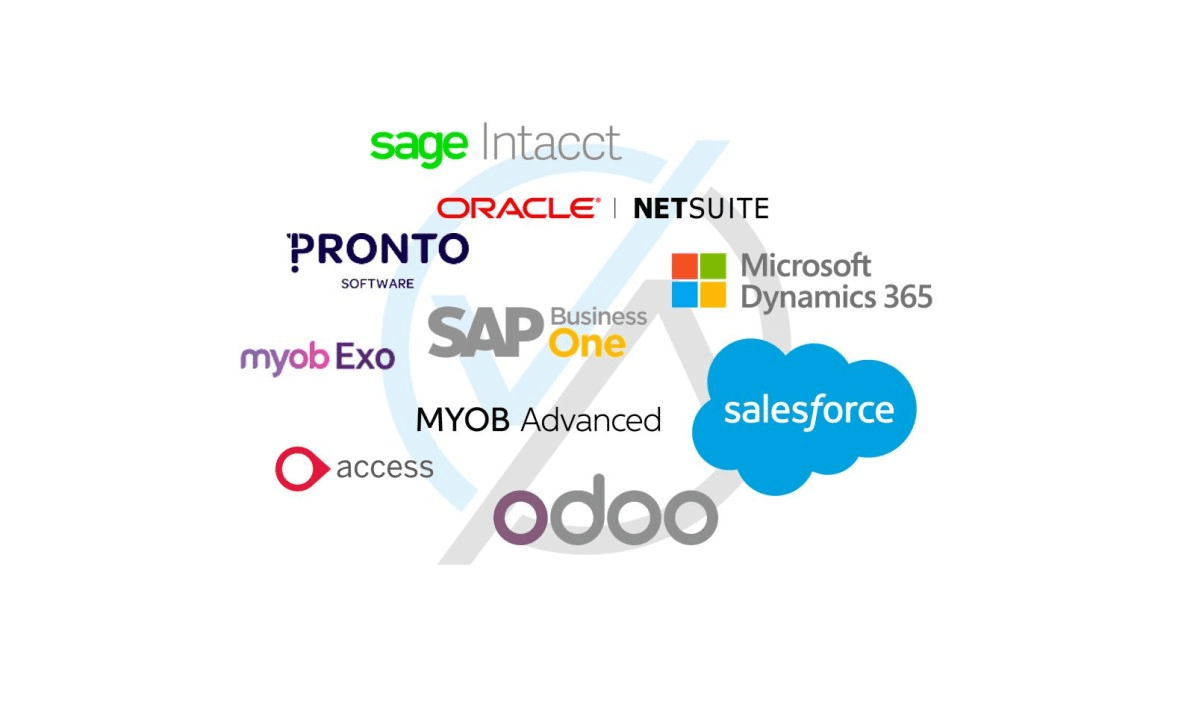
The right ERP depends on your operational reality, not your revenue: how messy your workflows are, how many SKUs you juggle, your warehouse configurations, how often data needs to sync, and how much you want the system to run on its own. Common suites you'll run into:
- SAP (S/4HANA, Business One): common in mid-market companies and huge global corporations.
- Microsoft Dynamics 365 (Business Central, Finance & Operations): a go-to for businesses already in the Microsoft ecosystem.
- Oracle NetSuite: a popular cloud-based system used by many multinationals.
- Others: Odoo, Infor, and Sage serve different corners of the market.
The Role of Middleware and iPaaS Solutions
An iPaaS acts as a central hub, or universal translator, that replaces a fragile mess of dozens of individual connections. You connect each app to the hub once, and it handles all the communication from there. Use this model to map your core systems and figure out the one or two data flows causing you the most headaches.
This is how platforms like Adobe Commerce (previously Magento) or Shopify get all the apps in their ecosystems talking without total chaos.
Understanding 'Out-of-the-Box' vs. Custom Solutions
A pre-built connector trades control for speed. The standard adapter is quicker and cheaper to get running, but it makes you play by its rules, which is a fine deal for most standard business processes. If your competitive edge comes from a unique, proprietary workflow, a custom-coded integration is the only way to go. You can't afford to outsource your secret sauce.
What to Look for in an Implementation Partner
The two things that matter when vetting partners are technical skill and whether they actually understand your business. The right partner can prove they've connected your exact ERP to your exact e-commerce platform before and gets the logistical headaches of your industry. If they can't show you a structured methodology for how they analyze, map, and test their work, it's because they don't have one.
To tell the real experts from the slick resellers, ask for a detailed story about a past project that hit major technical snags and exactly what their team did to fix it. Ask to see a sample of their internal technical diagrams for database mapping or their QA checklists. A capable partner has this on hand; a weak one gets defensive and makes excuses.
Planning for Future Scalability
Build your integration today assuming you'll replace every piece of it within five years. That's manageable if you avoid a giant, monolithic system that requires a full teardown to change anything. A composable architecture built on APIs, where each function is like a Lego block, is the answer. It's the only way to guarantee you can swap out your shipping provider or tax software by swapping one block instead of dynamiting the whole foundation.
Learning from Real-World Integrations
The companies that nailed their ERP integrations didn't treat it like an IT project to connect two systems. They saw it as a complete business transformation that changed how their teams work and how they track customer orders.
Case Study: Scaling B2B with Complex Pricing
A good integration puts your real business logic, all those complex pricing rules and customer-specific discounts, right onto your website. Industrial supplier Harrison & Clough connected their Microsoft Dynamics NAV system to their e-commerce storefront. Their admin staff got 1 hour a day back, incoming support calls fell by 80%, and 20% of their purchase orders started coming in through the website automatically. The lesson: map every manual touchpoint from quote to fulfillment, then decide which steps to automate.
Case Study: Unifying Multi-Vendor Marketplace Data
Sometimes the biggest roadblock is your partners, not your tech. One garden equipment retailer planned a slick multi-vendor marketplace, but their independent suppliers refused to learn another new system. They pivoted and built a standard web shop using CS-Cart that plugged directly into each supplier's existing ERP. The lesson: meet your partners where they are.
Case Study: a Phased Rollout for a Growing Retailer
The "big bang" launch bets the entire company on one moment going perfectly. Retailer Proffsmagasinet chose Virto Commerce, whose modular setup let them operate their old and new systems at the same time. The lesson: running old and new side-by-side turns the new system into an operational safeguard, not a weekend risk.
Case Study: Unifying B2B/B2C Commerce with an ERP System of Record
Consolidating all your sales channels into one ERP kills the data conflicts that waste your team's time and tick off customers. International supplier Distrelec connected their Shopify Plus store to their Microsoft Dynamics 365 ERP. They cut their number of operational software systems by 70%, standardized their pricing, and brought record-update precision to 99.3% across all pipelines and locations. The lesson: find every place price and inventory live in silos, then force them all to sync with the ERP as the one master.
Case Study: Synchronizing Multi-Channel Marketplace Sales
Selling across multiple channels creates a data mess: sell your last widget on one channel and the others need to know right now. Global supplier Aliquantum International (AQI) used the DCKAP Integrator to stop the data fights between Shopify, their ChannelAdvisor hub, and their Distribution One ERP. It ran as three separate automated flows: one pulling orders into the ERP, one pushing inventory back out to the marketplaces, and one sending shipment tracking back to the customer. The lesson: real integration takes multiple coordinated data flows, not one big connection.
The Future of Integrated Business Systems
Business systems are becoming the engines that run day-to-day operations, so an integration strategy is about building the foundation to compete tomorrow, not catching up on today's data problems.
Key Trends: AI, Composable Architecture, and iPaaS
AI for projecting stock needs or forecasting sales is useless without clean, unified data; it can't function on fragmented information pulled from a dozen disconnected systems. Before investing in an AI tool, map every data source it would need to touch, like inventory levels, customer payment history, and supply chain delays. This isn't new: projections showed 65% of CIOs planned to build AI capabilities directly into their ERPs back in 2022.
The market is also moving toward "composable" setups, where a company assembles a stack of best-of-breed tools using APIs and swaps them out without shutting the whole system down. But a composable strategy without a central, integrated data hub is just a collection of expensive, disconnected parts. Gartner projects that by 2028, over 50% of companies will use industry-specific cloud setups to run their business, up from less than 15% in 2023.
The Evolving Role of ERP as a Central Data Hub
These trends cement the ERP as the non-negotiable system of record and single source of truth for all operational data. Meanwhile the digital storefront is becoming a more complex sales and support center. When the two aren't synchronized, a customer sees one price online while finance books a different one. Getting it right means the ERP holds the truth and the storefront simply reads from it.
The scope of integration goes far beyond tracking orders toward smarter, self-optimizing pipelines. This includes automating adjacent workflows like processing customer exchanges, handling revised client agreements, and triggering financial updates based on contract milestones. The goal is a system that actively manages business processes without constant human intervention.
Frequently Asked Questions (FAQ)
What is ERP integration in ecommerce?
It's a digital bridge between your online store and all the software that runs your business in the background. It automates the flow of core data, like order details, customer info, and inventory updates, so you stop paying people to do a robot's work.
Your customer-facing prices, stock counts, and order statuses update automatically from internal systems like your accounting ledgers, logistics software, CRM, warehouse registers, and shipping programs, creating a single source of truth and eliminating data silos.
How much does an ecommerce ERP integration cost?
A simple connector might cost a few thousand dollars, while a deeply specialized build could require a six-figure investment. For reference, a cloud hub platform like DCKAP starts around $1,250 per month.
Custom point-to-point links seem cheaper upfront but often carry higher long-term costs due to constant engineering maintenance. Your final bill is driven by the complexity of your business, not a software list, because connecting two databases almost always uncovers the need for changes in both.
How long does an integration project take?
Timeline depends on the scope of data you need to sync. A simple, ready-made plug-in can be running in a few weeks, while a complicated, multi-platform project can take 6 to 12 months or longer. To manage it, connect the most critical things first, like purchase orders and inventory levels, and save complex stuff like custom pricing rules for a later phase. The fastest way to launch is to simplify what you share at the start.
What is the difference between one-way and two-way synchronization?
A one-way sync pushes information from one system to another but not back, like sending inventory counts from your ERP to your website. A two-way, or bi-directional, connection updates both systems when a change happens in either: new sales and customer profiles from your storefront flow into your core database, and the ERP sends updated product details, custom pricing, warehouse stock, and shipping statuses back to your website. Most growing businesses need two-way.
Can I integrate with a custom-built ERP?
Yes, but the whole project hangs on one question: does it have an accessible API? If your developers built one, the project is usually a go and will likely require a custom-built connector to talk to it. If no API exists, your team has to build one from scratch or fall back on clunky file transfer methods, both of which are a massive engineering headache that will blow up your budget and timeline.
Ecommerce ERP integration is a core business decision, not a tech task you hand off to IT. You now know how to vet partners, measure success by business results, and where the biggest risks actually live: in your own processes, not the technology.
Cost and timeline are a direct reflection of your operational complexity. By connecting your core systems, you're building the foundation you need to grow without hitting a ceiling you built yourself.
Share this page


Table of Content

Subscribe to Golden Owl blog
Stay up to date! Get all the latest posts delivered straight to your inbox