Choosing a React Native mobile app development company? Learn how to pressure-test technical depth, evaluate pricing models, and avoid budget bleed.


The Business Case for Cross-Platform Mobile App Development
Jun 17, 2026
about 11 min read
Discover how cross-platform development cuts upfront costs by 30-40%, speeds up market launch, and simplifies maintenance in 2026.
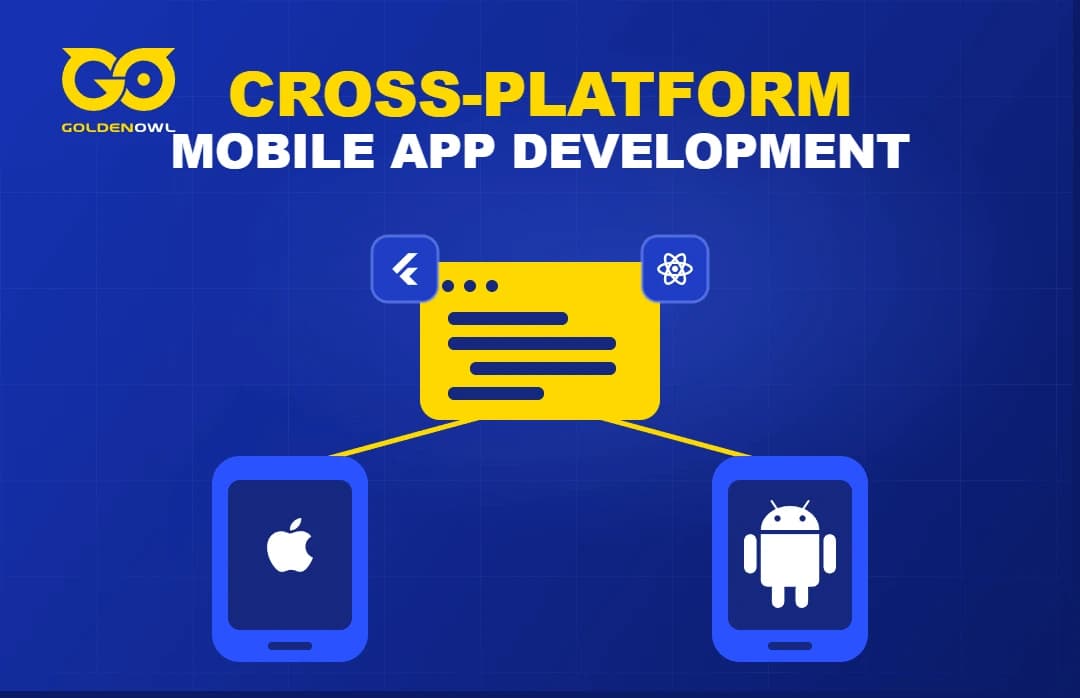
Cross-platform mobile app development lets you build one app for both iOS and Android. For most businesses, that single fact changes the economics of going mobile. Native development means two separate codebases, two teams, and significantly higher costs in most cases.
Cross-platform collapses into one. You ship faster, spend less upfront, and maintain a single product going forward. This guide walks through the business logic, costs, technology options, and what a real development process looks like, without technical jargon.
The Core Business Advantages of Cross-Platform Mobile App Development
Most conversations about building a cross-platform mobile app start with the technology. However, that's the wrong place to start. The right place is the business outcome. Here is what companies actually gain when they choose this approach.
Reduce Initial Development Costs
Two native apps mean two of everything. You have two codebases, two teams, and two sets of code reviews. With a cross-platform build, you write the code once, at least most of it, and deploy it to both platforms. This can cut upfront costs by 30 to 40 percent compared to a fully native build.
The savings come from a smaller team and a single build cycle, you pay one group of engineers to solve a problem, not two.
It goes beyond engineering hours. If you only have one product to manage, you can simplify design QA, testing, and project management. A startup or mid-size business can then use that budget to improve UX, add more features, or strengthen its launch.
One caveat: savings depend on scope. A two-screen app and a complex enterprise product with offline sync and third-party integrations are very different projects. We cover the cost variables below.
Get to Market Faster
When you’re testing an idea, speed is everything, especially in a mobile app market that Statista says hit over $522 billion in revenue in 2024. This means the window to capture users is both narrow and frankly brutal.
You can greatly reduce the total build time with a cross-platform approach. Why? The devs write the common logic once: auth, api calls, business rules, data models. Only platform-specific behavior gets handled separately. Modern frameworks handle most of that automatically.
For your business, this means putting a working product in front of users sooner. That early feedback leads to better choices and fewer wasted build cycles. It's a much faster path to finding product-market fit.
Reach All Your Users at Once
Choosing native development often means a sequencing decision: build iOS first, then Android, or vice versa. That decision always means leaving part of your audience waiting.
Cross-platform mobile app ends that trade-off. You can launch on the App Store and Google Play at the same time. Every potential user gets access on day one, no matter what phone is in their pocket.
For B2C apps, a simultaneous launch is critical to building momentum for word of mouth. For B2B tools, it’s important to enterprise procurement because IT teams often support both platforms. A split launch can drag out deals and complicate onboarding conversations.
Simplify Long-Term Maintenance
The real cost of an app is not the initial build. It is the years of updates, patches, and platform changes that follow.
Every year, Apple and Google release major OS updates. Features deprecate. APIs change. Security requirements shift. With native development, every one of those changes needs to be handled separately across two codebases and teams.
With a shared codebase, one fix covers both platforms. One update ships to both stores. One team owns the whole product.
Here is a common scenario worth considering. Let's say a team that skips a maintenance retainer gets hit with a mandatory React Native upgrade and has no plan for it. That causes a development freeze lasting weeks. Everything else stops.
However, a different team with a small monthly retainer handles the same upgrade with zero downtime. That's how the work gets planned and absorbed into regular sprint cycles. The difference is not the technology. It is the maintenance structure.
Achieve Near-Native Performance
Performance is the most common objection to cross-platform development. The concern is understandable. It is also usually misdirected.
For most business apps, including e-commerce, booking tools, dashboards, workflow products, Flutter and React Native deliver performance that users cannot tell apart from native. Rendering is fast. Animations are smooth. Therefore, the experience feels right.
The real performance problems we see in slow apps are rarely caused by the framework. They come from bad data fetching, poor state management, or large images. The framework itself is not usually the source of a slow app.
Yes, native still has an edge for intense graphic work like high-end mobile games or real-time video processing. For everything else, the performance gap closed years ago.
How to Budget for Developing a Cross-Platform Mobile App

Look, cost is one of the first questions asked. It varies widely based on what you’re building. Here’s how to think about the factors so you can budget for the real price, not just the sticker price.
Key Factors That Influence Cost
Several inputs drive the final cost of a cross-platform project.
App complexity is, not surprisingly, the biggest factor. Building a simple info app with a few screens costs far less than a product with real-time sync and offline mode. Complex user roles and multiple backend links also add to the cost.
UI/UX design needs also matter more than many people expect. A standard design built from component libraries is faster and cheaper. On the other hand, a fully custom design with unique animations takes much more time and budget.
Backend links add cost whenever the app needs to talk to external services. This could be a payment gateway, a CRM, an ERP, or a custom API.
But one cost gets missed more than any other: third-party API fees. On one project, a client built a location-based app using the Google Maps API and a live weather service. The initial build cost looked great. But once the app launched and user volume grew, the combined API fees climbed to over $500 a month.
This was a running cost nobody had modeled during planning.
The build cost and the running cost are two different things. Both belong in your budget.
Example Costs for Simple and Complex Apps
These are just sample ranges. Your final quote will vary based on your specific needs, team skill, build location, and any compliance or security rules.
App Type | Description | Estimated Cost Range |
Simple MVP | 3 to 5 screens, basic auth, one API | $15,000 to $30,000 |
Mid-tier app | Multiple features, third-party integrations, custom UI | $40,000 to $80,000 |
Complex enterprise app | Offline sync, multiple user roles, and an advanced backend | $100,000 and above |
These numbers assume you’re working with a good build partner in a mid-cost market. Agency location, team skill, and project management overhead will all shift the final figure. Remember, these are build costs. Your total cost of ownership will be higher.
What Is Cross-Platform Mobile App Development, Exactly?
The business case is clear. But to know what cross-platform development involves, you have to look past the tech and at the process.
One Codebase for iOS and Android
Cross-platform mobile app development means a developer writes one codebase that can run on both iOS and Android. This shared code holds the app's logic (data storage, workflows, backend links), and a framework translates it for each OS. This is very different from a web app in a mobile container.
Some frameworks use true native UI parts, like React Native, while others render their own UI, like Flutter. The end result should be an app that feels like it was built specifically for the device.
How It Differs from Native Development
The alternative is native development, which means writing separate code for each platform: one in Swift or Objective-C for iOS, another in Kotlin or Java for Android. That's two languages, two projects, and two release schedules, it’s essentially double the work.
Native gives you full access to platform-specific features and sometimes better speed for intense tasks. But the cost in terms of time and complexity is steep.
Key Tools and Technologies
Multiplatform mobile app development depends on a few mature frameworks. Your partner will suggest one for your project, but you should know the main options. The specific tool you choose is probably less important than the skill of the team using it.
Google's Flutter
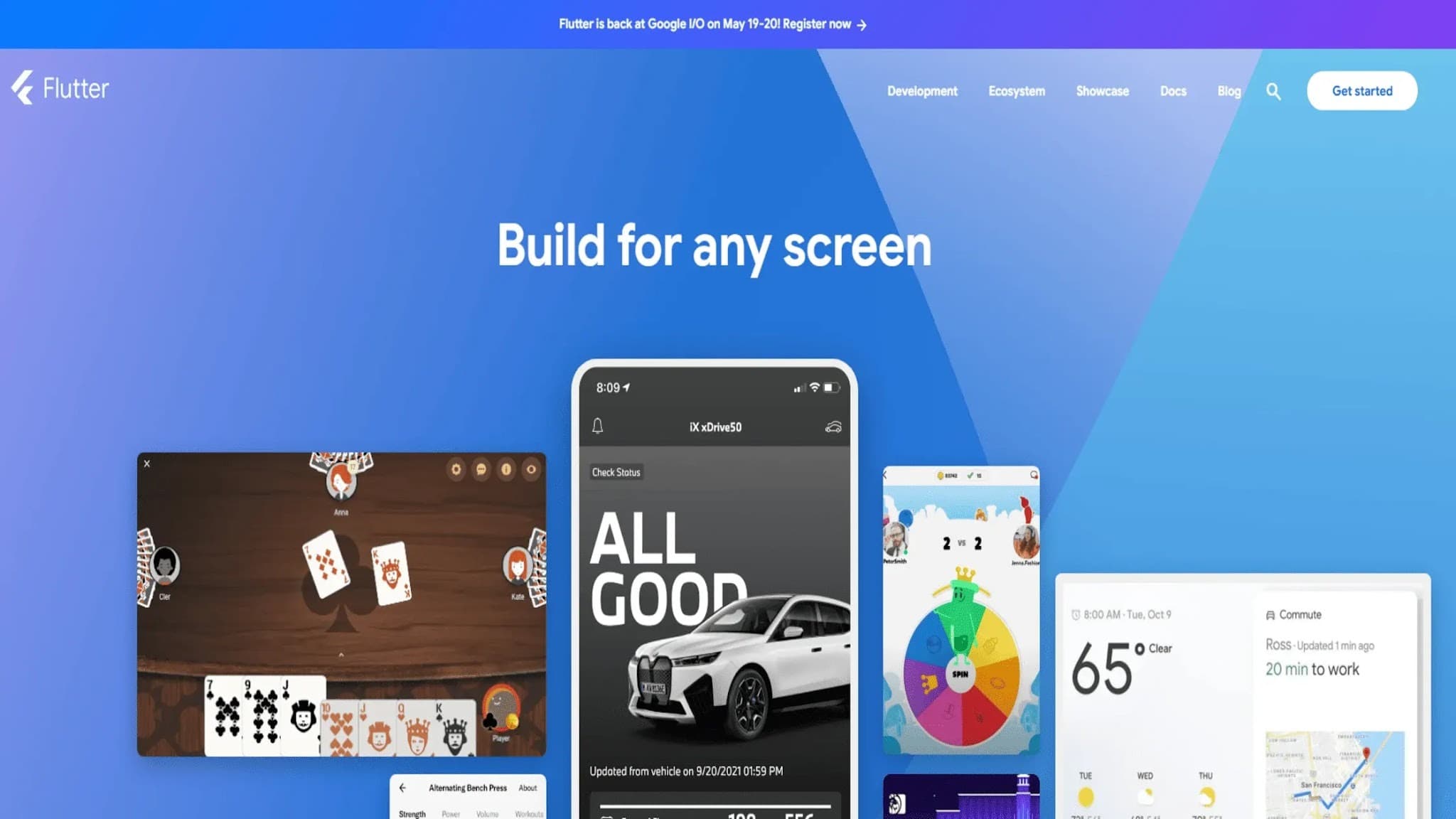
Google’s Flutter is an open-source framework that uses the Dart language, though it's the self-rendering UI that really defines its approach. This creates a very consistent look on both iOS and Android and allows for fluid animations.
You can choose Flutter when brand consistency and a polished UI are the top goals. It also has a large developer community.
Meta's React Native
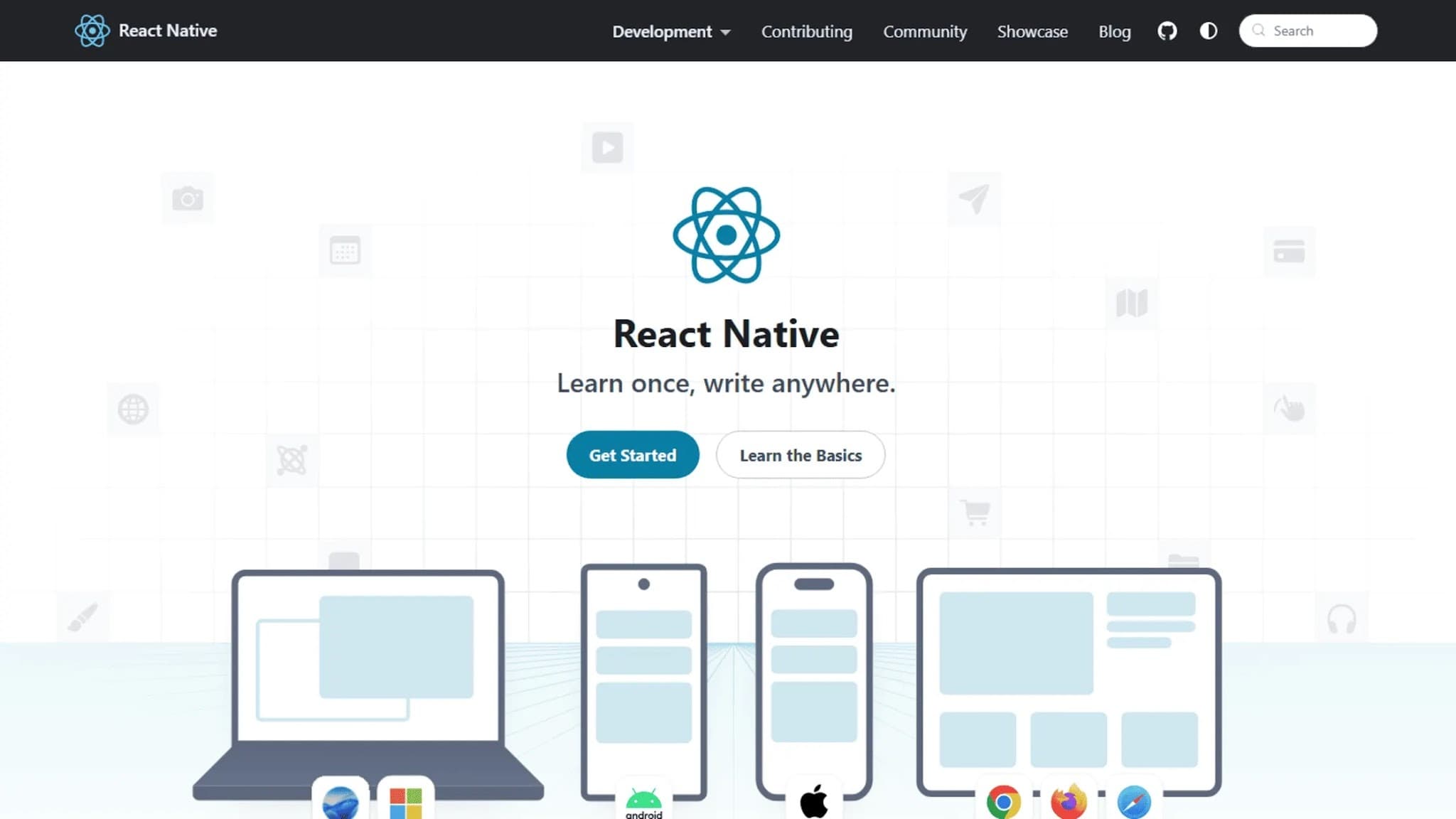
Meta’s React Native uses JavaScript and renders the platform's own native parts. The result is a UI that automatically follows the design rules of iOS or Android. React Native is a strong choice for teams with existing JavaScript talent.
It can also share some logic with web products, though the real savings depend on your setup.
Microsoft's .NET MAUI

Microsoft's .NET MAUI is the successor to Xamarin.Forms. It's built for developers in the .NET world. For any large firm with a backend and talent pool focused on C#, .NET MAUI is often the most direct path to a mobile product.
Other Frameworks for Specific Needs
Two other frameworks solve specific problems. Ionic uses web tech (HTML, CSS, JavaScript) for hybrid apps. This is fine for internal tools or simple apps where web-level speed is okay. Kotlin Multiplatform takes a different route.
It shares only business logic while you build a fully native UI for both iOS and Android.
A Typical Workflow You Should Know
Having a predictable process is important for making sure a project actually gets finished. The technology itself is rarely the problem. The problems usually come from people and process issues. This is the typical workflow of a mobile app development company, and where things tend to go wrong.
Discovery and Strategic Planning
First is discovery and strategic planning. This is where the project is won or lost. This phase defines what the app must do. It involves mapping user journeys, finding technical limits, and setting clear goals. The result is a roadmap with a firm scope, timeline, and cost.
Rushing this step to "start coding" is the single biggest cause of budget overruns and painful rework.
Design and Technical Architecture
Next comes design and technical architecture. Good discovery makes this phase possible. With a clear scope, designers can make wireframes and final screens. At the same time, engineers plan the technical backbone (data models, APIs, infrastructure).
This is where you prevent future speed issues, but only if the needs are, as I mentioned, already locked down. The final framework choice is also made here, based on those needs.
Coding and Implementation
Then comes coding and the build itself. If the first two phases are done right, this part is surprisingly straightforward. The build happens in iterative sprints, usually two weeks long. At the end of each sprint, you review working software. A real, working piece of the app.
This iterative process is the best way to keep you in the loop. It also provides early warnings if any of the initial assumptions about the project's scope or function turn out to be wrong.
Quality Assurance and Testing
Testing has to cover more than just features. It must include performance, edge cases, and a wide range of devices. Here’s a tip: make sure a three-year-old, mid-range Android phone is in your testing plan. A Samsung Galaxy A-series from a few years back is the perfect benchmark.
That single device will expose 80 percent of the layout and speed issues that your real users will hit. If you only test on new flagship phones, you are not building an app for your actual customers.
Launch and Post-Launch Support
Finally, there is the launch and post-launch support. Getting into the app stores means getting metadata, screenshots, and compliance files ready for both Apple and Google. After launch, the work shifts to watching performance and acting on user feedback.
This is also when you should set up a maintenance plan. Planned support is always cheaper than paying for emergency fixes after a crash.
Cross-Platform Mobile App Development Services and Solutions
Services for developing a cross-platform mobile app cover more product types than most clients expect. Here is what falls within scope.
Custom Apps for Specific Business Needs
Building custom business logic lets you create software for your exact needs (like client portals or field service tools). This avoids paying for an off-the-shelf product that doesn’t fit your workflow, but it means that workflow must be defined in code.
Web-Based and Hybrid Applications
Some problems are best solved with web tech like HTML5 in a mobile shell, creating a hybrid wrapper. You should consider this for content-heavy apps or simple internal dashboards where quick updates matter more than peak fluidity.
Integrating Advanced Technologies like AI and IoT
Adding advanced features is less about the app and more about the underlying systems, like those needed for barcode scanners. This can include machine learning, IoT sensors, or augmented reality. An inventory app with this tech needs serious upfront planning. Not just simple add-ons.
Both Flutter and React Native handle these links well.
Apps for Wearables and Smart TVs
The "mobile" target now includes apps for wearables and smart TVs, a shared codebase can get you there but it needs careful planning. Flutter supports Android TV and tvOS, and community packages (which can vary in quality) exist for watchOS.
Backend Development and API Integration
The mobile app is just the front-end part the user sees. Most projects, though they might seem self-contained, need a strong backend for things like databases and user login. A solid cross-platform mobile app development service includes this from day one. This is because the front-end and back-end have to work together.
Frequently Asked Questions
Is there a performance gap between cross-platform and native apps?
For most business tools, users honestly cannot tell the difference. Flutter and React Native handle smooth screens fine, assuming your team builds well for Apple and Google. Cross-platform speed is plenty for most things (e-commerce, logistics, healthcare, or SaaS apps), though it drops for heavy graphics. Like 3D games or live video.
How do I choose the right development framework for my project?
You should choose a tool based on your current stack, this means interrogating in-house skills first. Flutter fits best when visual flow is the top goal, while React Native suits JavaScript teams sharing code with a web app. And .NET MAUI works particularly well for Microsoft-centric enterprise shops.
Are cross-platform applications as secure as native ones?
Security stems from how you build things, not the framework. It relies on the same safe practices, so you still encrypt data, secure APIs (following exact platform rules), and run code checks.
What does the future look like for cross-platform technology?
These tools improve constantly, with Flutter and React Native seeing massive funding from Google and Meta. The platforms are rapidly closing any of the remaining native gaps. Today, going cross-platform is simply a smart business move, mainly because users will not notice.
Conclusion
Going with cross-platform mobile app development represents a significantly heavy structural shift for your daily business operations. Merging two teams into one shared codebase should theoretically compress the work in half and lower overall costs.
However, this integrated architecture demands serious early planning and your continuous oversight to keep both sides properly aligned. It is certainly true that new projects will launch faster, they spend far less cash upfront. The workload doesn't vanish permanently, but instead it just changes shape and moves elsewhere.
Managing a single repository (rather than writing copied logic) relocates that same effort into making difficult early design decisions. You should test the final build on a three-year-old Android phone, verifying actual performance under real hardware constraints.
Skipping that long-term upkeep (dependency updates, OS shifts, memory limits) quickly erases the initial financial savings you gained by combining your development teams. Just the inevitable maintenance drag.
Share this page


Table of Content

Subscribe to Golden Owl blog
Stay up to date! Get all the latest posts delivered straight to your inbox