Learn how to hire forward deployed engineers in 6 steps: define the role, benchmark pay, source candidates, screen for delivery and run a four-round loop.


What Is AI Vision?
Nov 10, 2026
about 6 min read
What is AI vision? See how it reads images and video, how it differs from computer vision and generative AI, and where businesses use it.
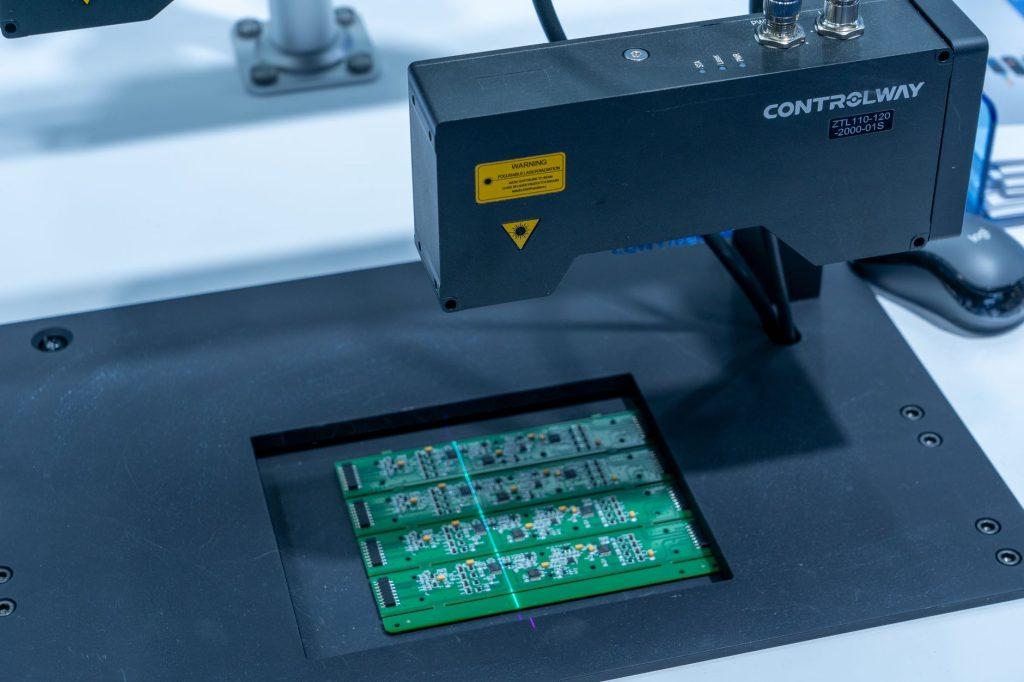
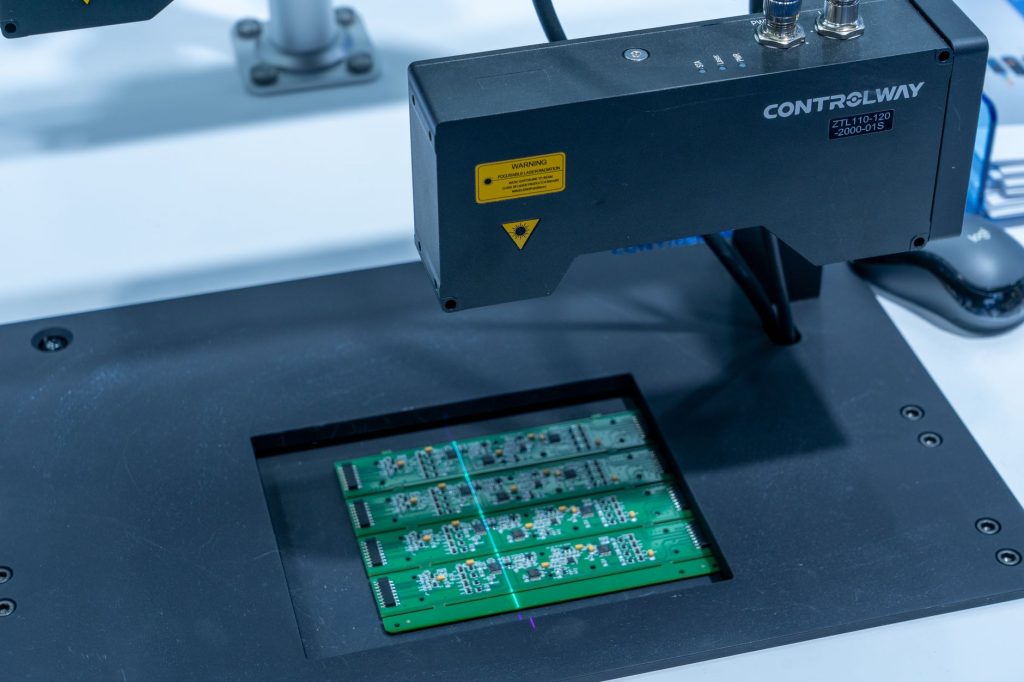
Cameras are good at recording. Point one at a production line for a shift and you get hours of footage, the first spill and the jammed part somewhere in there. Nobody wants to sit through it, and that is where the question “what is AI vision?” gets practical. AI vision does the sitting for you. It reads images and video and turns what it sees into something a system can act on.
What is AI vision?
Vision AI (also called AI vision) is what lets software look at a photo of a pallet and say “three boxes, one crushed.” Underneath are two things. One is computer vision. The other is deep learning, where a model learns from examples instead of hand-written rules. Sometimes it runs alone. Sometimes it is one part of something bigger, say an AI agent that opens a ticket when the camera sees the crushed box.
Long before anyone said “deep learning,” engineers wrote code by hand to find edges, shapes, and motion in a photo. That is computer vision, the older field. Vision AI keeps those tools, adds models trained on big image sets, and handles the unglamorous part: getting it to run on a real camera in a real building.
Generative AI is the reverse. Ask it for “a red forklift in the rain” and it makes one, as an image, a clip, or text. There may be vision parts inside, but it is drawing, not looking.
Some systems take in more than pictures. These are called multi-modal: vision plus text, audio, or sensor data, in one model or one workflow. A meeting assistant is a good example. Vision AI reads the shared screen, a speech model writes down who said what, a language model writes the summary. Vision is one input of several.
How does vision AI work?
A model does not see a cat. It sees numbers. Each frame becomes a grid of values, one per pixel, and the model learns which patterns (a curved edge, a striped texture, a pointed ear) tend to show up with which objects.
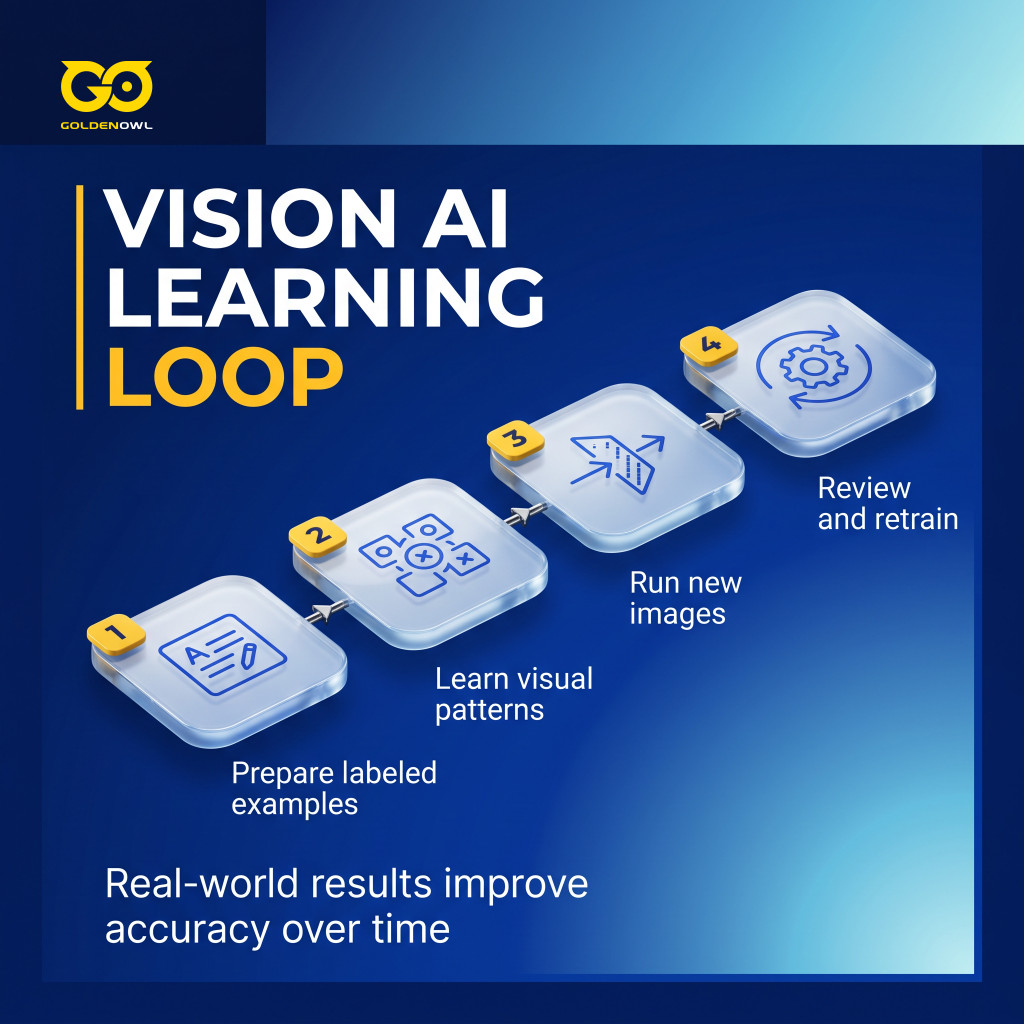
Data comes first. People label images by hand, marking what is in each one, and the odd or lopsided examples get cleaned out so the model does not learn bad habits. How much data? It depends on the task. A few thousand labeled photos is common; a hard problem can need millions. Training means the model adjusts itself, round after round, until what it has learned holds up on pictures it has never seen.
Then comes inference, which is the model at work: new images in, predictions out. On a live camera feed it also has to be fast and steady, not just accurate. And the work does not end at launch. False alarms, and cases where an operator overrode the system, get labeled and fed back into the dataset. Retraining on them every so often is how the model gets better.
What are the core vision tasks?
The core Vision AI tasks are image recognition (also called classification), object detection, segmentation, pose estimation (how a body or limb is positioned), video analysis (what happens across frames), and text extraction. They go past “What is this?” to “Where is it?”, “How is it moving?”, and “What is happening over time?”
Pick the task by what you need from a frame. Only need to confirm that one item is there? Classification is enough. Need to find and count several items? Use object detection. Need exact shapes, sizes, and edges, use segmentation.
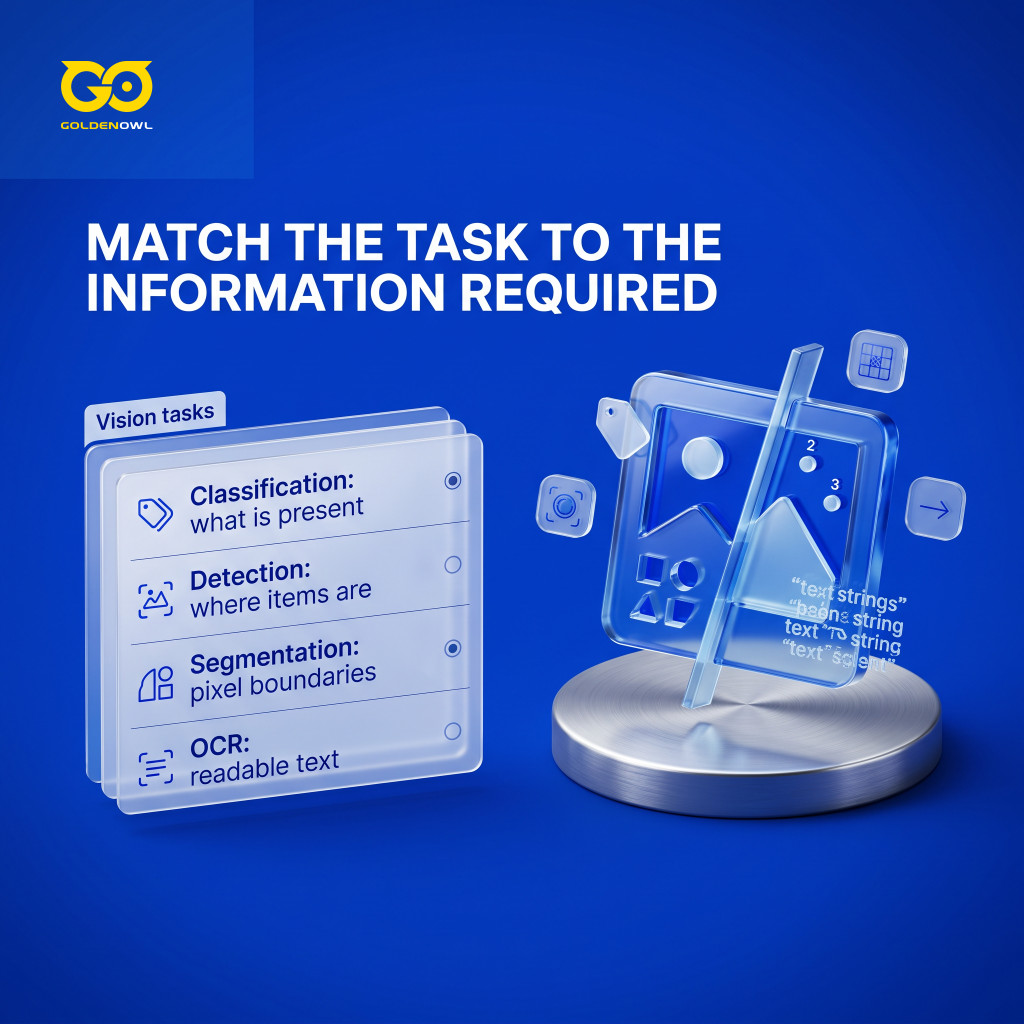
Image classification
Image classification tells you what an image contains. A trained neural network can label a photo as a dog, a cat, or one of many other things, with a high degree of precision.
Object detection
Detection adds the “where.” A common setup uses a convolutional neural network (CNN, a model type built for images) that draws a box around each object it finds. These are called bounding boxes. Show a detector enough street photos and it learns to box the cars and the people.
Image segmentation
Segmentation goes down to single pixels: this one is road, this one is car, that one is a pedestrian. Self-driving car systems rely on it heavily.
Optical character recognition
Ever photographed a receipt and had your phone pull out the total? That is OCR, optical character recognition: words in an image become text a computer can search and edit. For people who cannot rely on sight, OCR reads signs and letters out loud. The same accessibility tools can also warn about obstacles, describe a scene, or add live captions.
How do businesses use vision AI?
Start with the question, not the camera. The projects that work tend to begin with something like “which line is making the bad parts?”, match it to a visual task and to real site conditions, and then improve through human review and retraining. Here is what that looks like in a few industries:
- Manufacturing: detection and tracking that cope with the plant’s own lighting, line speed, and product mix.
- Car service centers: how busy each bay really is, so the owner knows if there is room for more jobs without hiring.
- Stores and quick-service restaurants: queue length and wait times.
- Logistics and fleets: where every truck and forklift is right now, so less time goes to searching and less goes missing.
- Medical imaging: software flags possible tumors, fractures, or tissue problems, and a specialist checks every result. Those reviews are what validate or retrain the model.
None of this works with cameras in the wrong spot. They have to fit real traffic, blind spots, and layout, and someone has to look at the errors regularly.
What are the challenges of deploying vision AI?
Data is the first problem. It has to be varied, decent quality, and shot in real working conditions; train a model in perfect lighting and it may fall apart the day the lights change. New sites and strange edge cases keep turning up, and accuracy drifts as they do. Watch for it. Keep the frames the model was unsure about. Those are the ones to relabel.
Live video needs fast answers. Medical image review puts accuracy first. Cost is in the mix too: checking only every 5th or 10th frame can cut infrastructure bills, if that still catches enough.
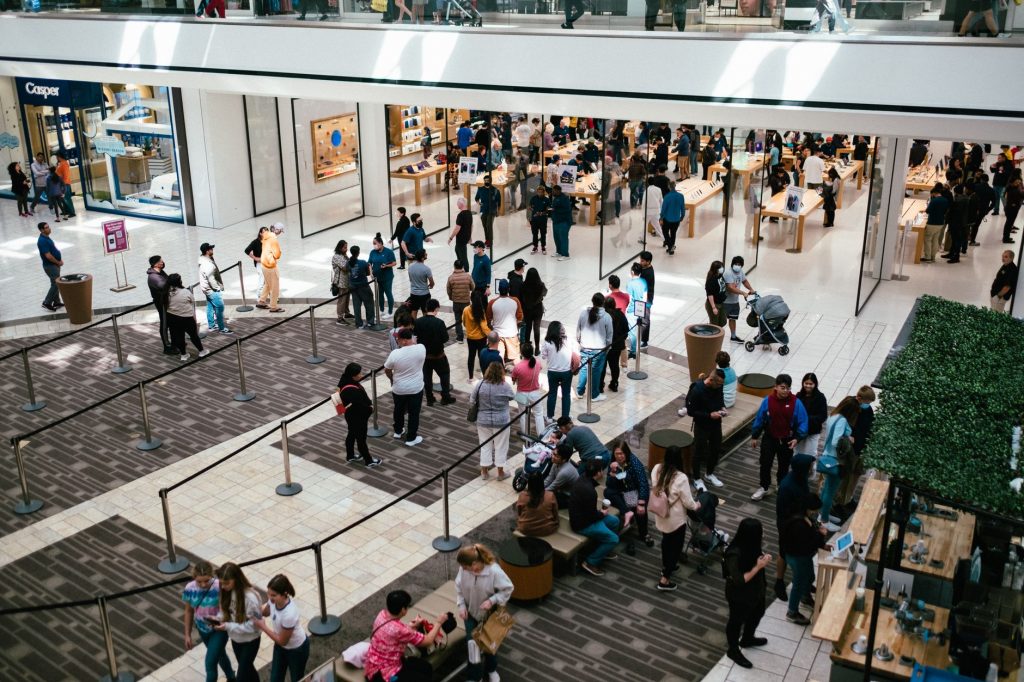
Then there is privacy. Cameras catch faces, license plates, a document left on a desk. Keep only what you need, lock it down, limit who sees it, and decide up front when it gets deleted.
One limit has nothing to do with settings or rules: a camera cannot see behind a stacked pallet, however many angles you add.
Frequently asked questions
How accurate is vision AI?
There is no single number. A model that reads clean labels in a test room can look excellent. Put it on a loading dock and it meets bad light, a forklift in the way, motion blur, dust, a camera someone bumped, a box design it never saw. The test score will not survive that trip.
Teams that run it in production do three things. They set a confidence threshold, so below a certain score the system flags the frame instead of acting on it. They have a person look at the unsure cases. And they retrain on a schedule.
Can OCR be 100% accurate?
No, not across every document and capture condition. A crisp printed invoice with standard fonts, scanned at high resolution, will come out very accurate. A handwritten delivery note photographed in a dim truck cab will not. Smudges, odd fonts, skewed angles, and watermarks pull it down too.
So test it on your own documents, in the conditions where the system will really run. That is also the most useful answer to “what is ai vision” in practical terms: a tool that reads images well in good conditions and needs people and fresh data to stay reliable everywhere else.
Share this page


Table of Content

Subscribe to Golden Owl blog
Stay up to date! Get all the latest posts delivered straight to your inbox