
How can AI help small businesses? See where AI saves time on customer questions, proposals, stock, meetings and win-back emails, and where people still check.


AI Legal Assistant: What It Does and Which Tools to Use
Oct 21, 2026
about 9 min read

An AI legal assistant does the first pass of legal work. See what it can and can’t do, and which legal AI tools fit research, contracts, or practice management.
An AI legal assistant does the first pass of legal work. Ask it a question and it can find the relevant law; hand it a contract and it can summarize the terms or draft the missing clause. Some will pull the deadlines straight out of a court notice. A lawyer still checks the result and signs off.
Which tool fits depends on where your legal work takes the most time. A research-heavy firm needs something different from a startup that waits days for contract review, and a solo lawyer doing invoices at night wants something else again. This guide covers what these assistants can and can’t do, then seven tools, grouped by the job each one is built for.
What an AI Legal Assistant Does
The term is loose. Any software that puts AI to work on legal tasks qualifies, whether it’s a research database that answers questions or the practice software that drafts your invoices. When people say “AI legal assistant” today, though, they usually mean something built on a large language model (the kind of system behind ChatGPT). You ask in plain English and it answers, sums up a document, writes a draft, or tells you which cases to read. It can’t act for you. It isn’t a law firm, it can’t represent you, and what it says is not legal advice.
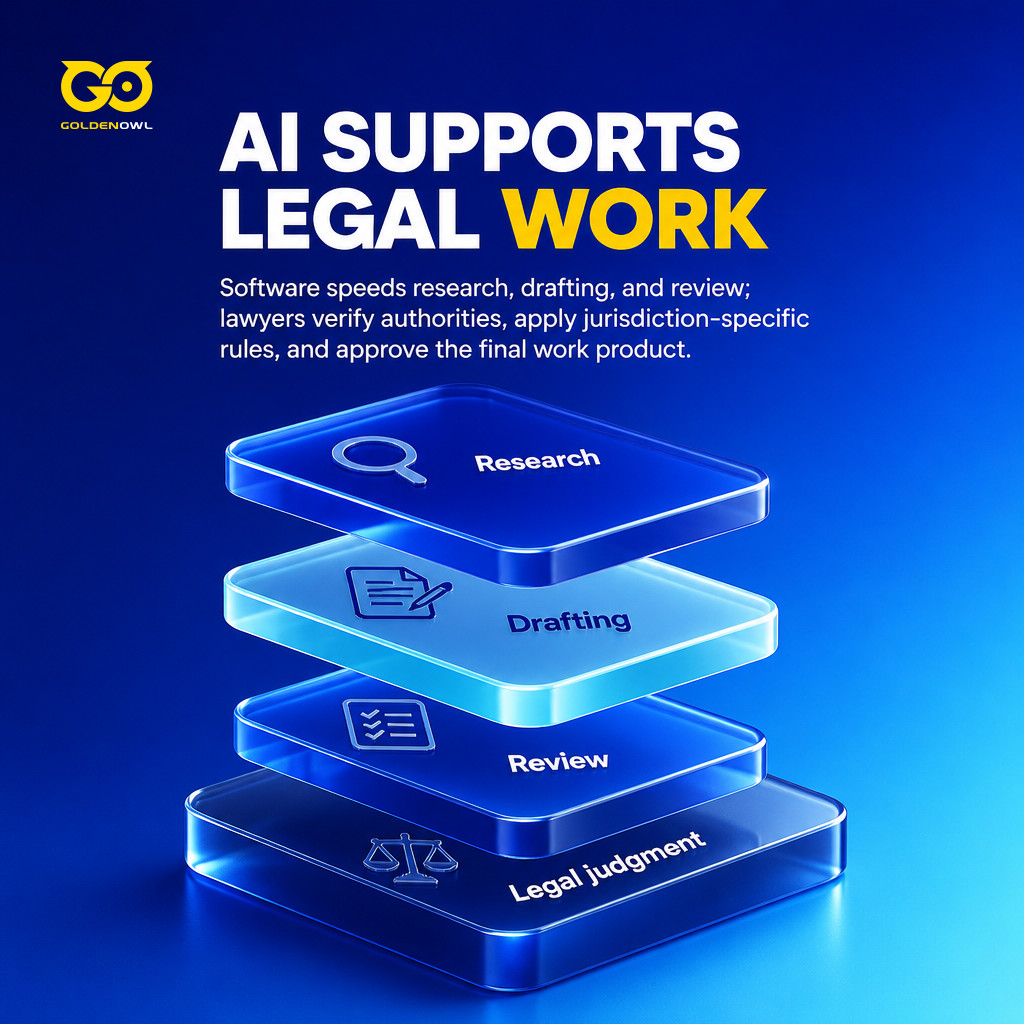
The time savings can be big. In a 2025 working paper, Daniel Schwarcz and co-authors gave upper-level law students 2024 legal AI tools and found productivity gains of 50% to 130% on five of six legal tasks. Those were students, not practicing lawyers. And the study left out the part that comes after the draft - checking that a case is still good law, applying the local rules, deciding the work is ready to send - which is still the lawyer’s job.
Leading Legal AI Tools
Legal AI tools fall into six groups, and the group matters more than the brand. Each tool below sits mainly in one of them:
- Legal research: Cited answers from primary law and secondary sources (Lexis+ with Protégé).
- Complex matters at large firms: Analysis of case files, pleadings, and big document sets (Harvey AI).
- Contract drafting and review: Creating, redlining, and checking commercial agreements (Spellbook, LegalOn Assistant).
- Practice management: AI added to billing, scheduling, and matter records (Clio Manage AI).
- Consumers and solo lawyers: Legal Q&A and document help at a lower price (AI Lawyer).
- General-purpose AI: Broad assistants that need care on anything legal (ChatGPT).

Lexis+ with Protégé
LexisNexis built Lexis+ with Protégé as the successor to Lexis+ AI, and it became generally available in February 2026. The idea is research and drafting in one place. Your plain-language question gets an answer drawn from Lexis’ own case law, statutes, and secondary sources, with citations you can click through, and that research can go straight into a draft.
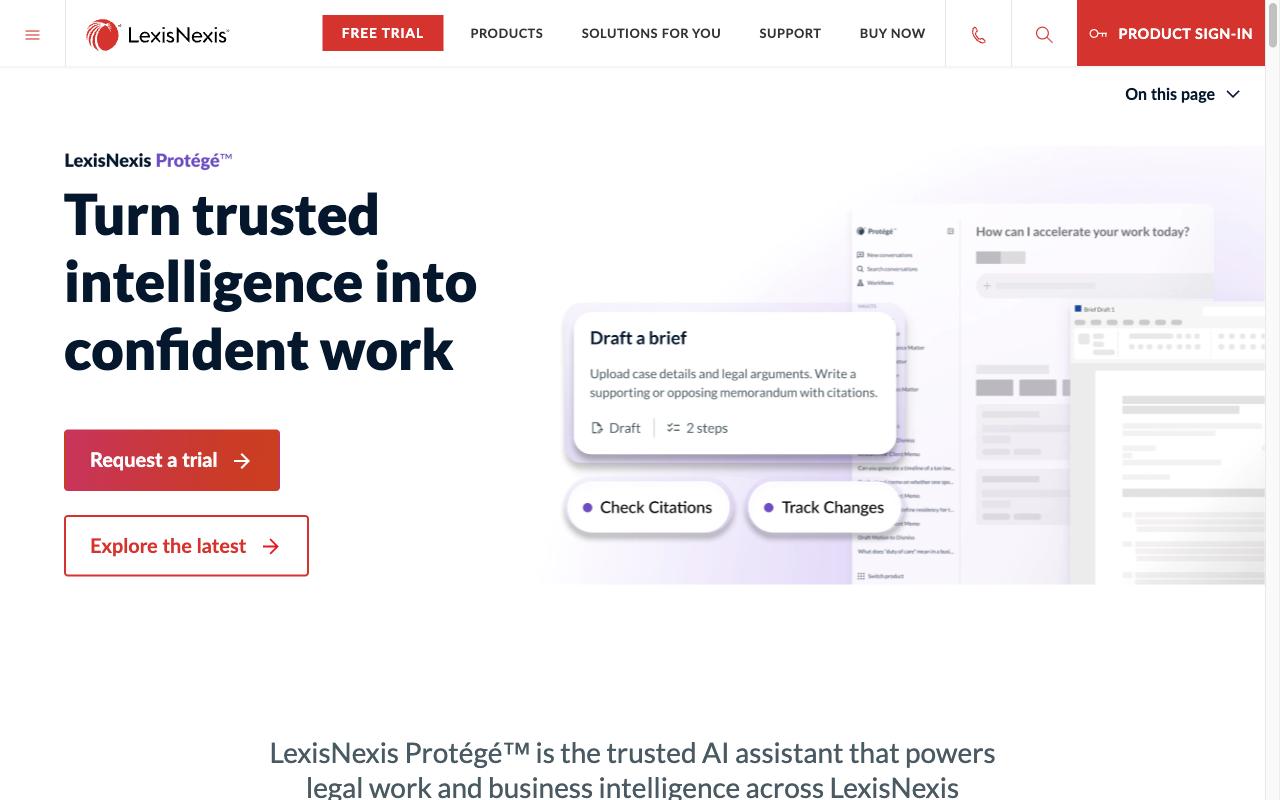
What it includes:
- Natural-language search across LexisNexis’ full primary law database
- The Protégé assistant, which picks a “Best Fit” model for each task and hands work to specialized agents
- Drafting tools and a Vault for large document sets
- Shepard’s Citations and Shepard’s Verify, which check whether a case is still good law (not overturned)
- Integration with Microsoft 365 and other Lexis products
Protégé Work, a layer on top of Protégé, handles the longer jobs: it plans and runs multi-step work like contract comparison, due diligence, or a full draft.
LexisNexis does not publish prices for Protégé; you contact sales. Third-party sources say firms without a flat-rate plan pay per use, about $99 per AI question and $250 per summary or drafting task.
Harvey AI
Harvey AI sells to law firms and in-house legal teams through enterprise sales. It doesn’t publish prices, and access starts with a demo request. By the company’s own count, more than 100,000 lawyers across 1,500 organizations use it.
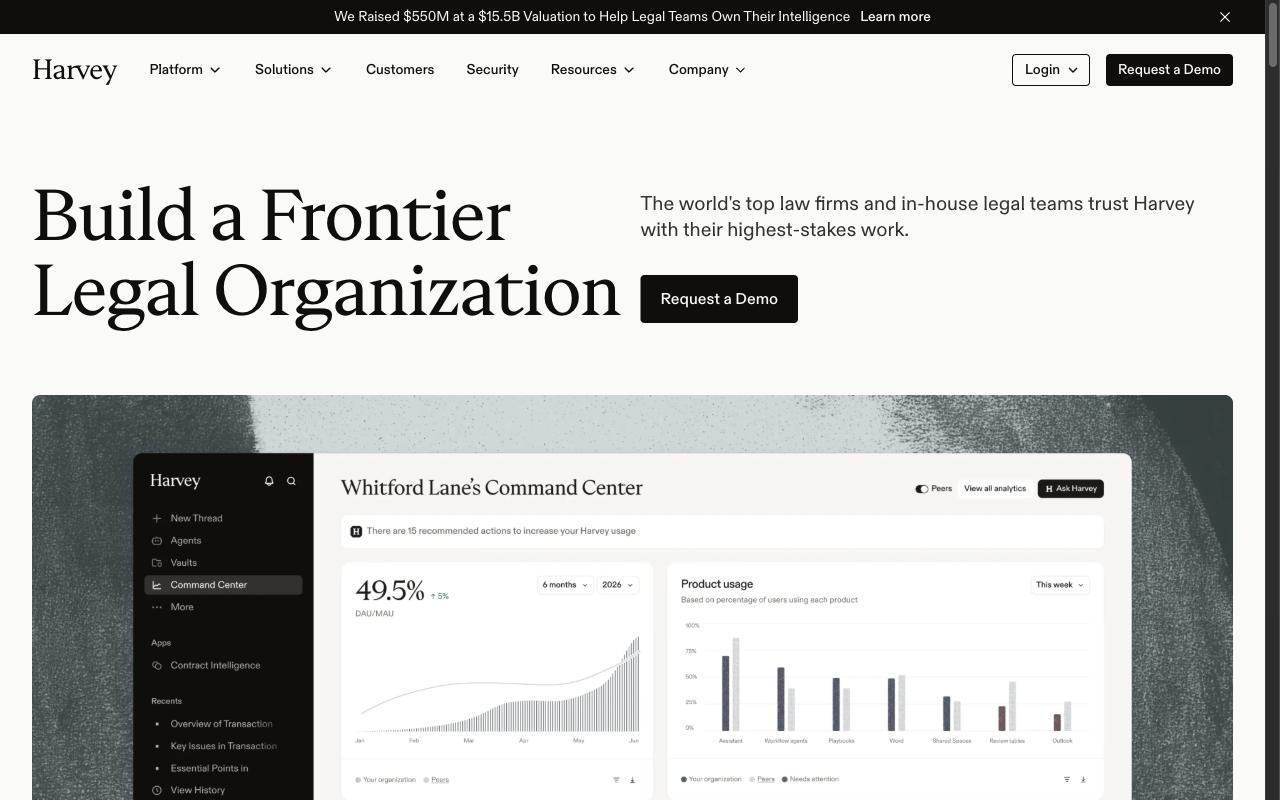
It is aimed at complex legal work:
- Legal reasoning for complex contract analysis and regulatory questions
- Pre-built agents and an Agent Builder (both announced in May 2026, with the Agent Builder in early access) for firm-specific, multi-step workflows
- Memory that adapts to the user
- Faster due diligence across large document sets
- Enterprise-grade security and links to document management systems
Harvey is also one of the best-funded names on this list. A $550 million round in September 2026 valued it at $15.5 billion, up from $11 billion in March.
Spellbook
Spellbook works where contract lawyers already are: inside Microsoft Word. Nothing has to be moved into a new system. It flags missing clauses and suggests redlines, and it can draft language from your precedents or check terms against market data.
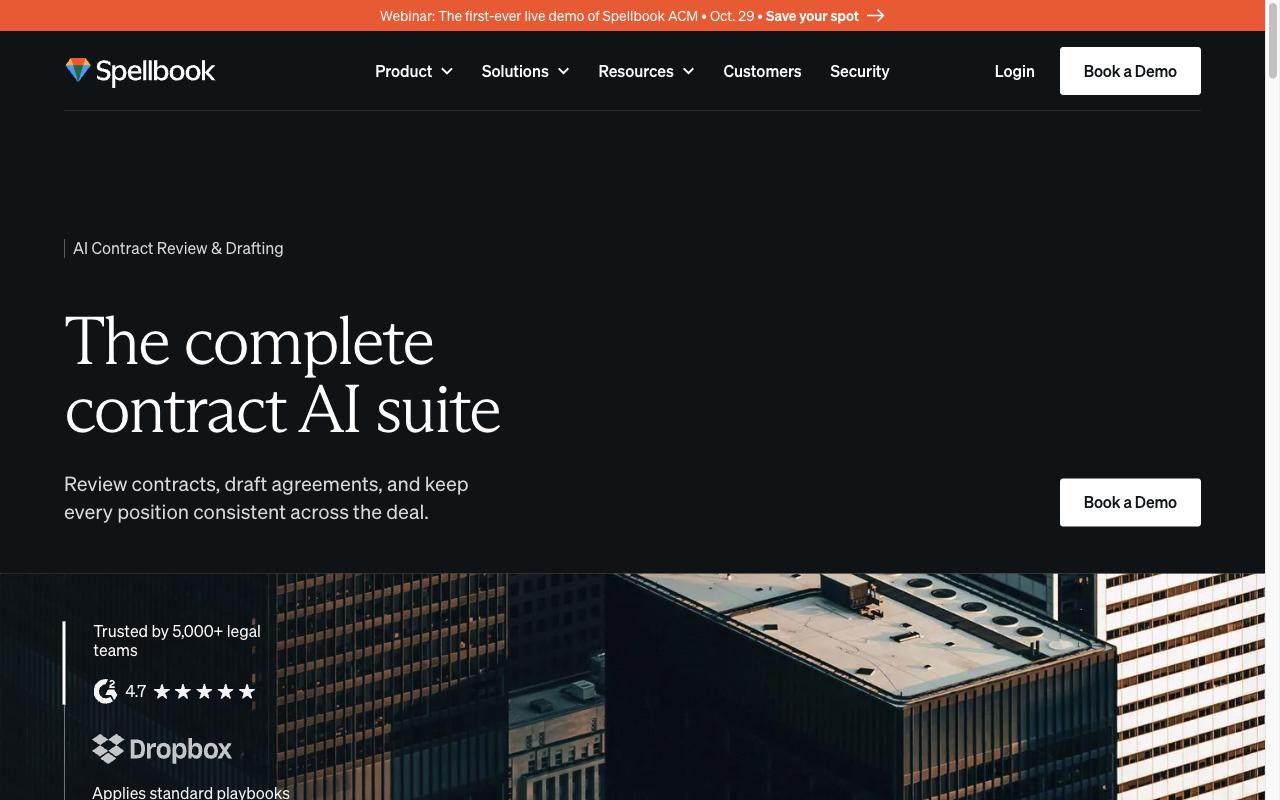
Its contract tools:
- Contract review that spots issues, adds comments, and suggests redlines
- Clause drafting and full document generation in Word
- Custom and prebuilt Playbooks for rule-based reviews
- A precedent clause library you can reuse across matters
- An Associate feature for comparing and analyzing several documents at once
You can try it free for 7 days. For subscription pricing you have to book a demo with Spellbook.
G2 rating: 4.7/5
LegalOn Assistant
Open a contract in Word or the browser, and LegalOn Assistant will answer questions about it, summarize the key terms, or draft fallback language. When it suggests a redline, it explains which standard it applied and why. Those standards come from playbooks written by attorneys (the same ones behind LegalOn’s contract review product), covering more than 10,000 legal issues across 135+ contract types.
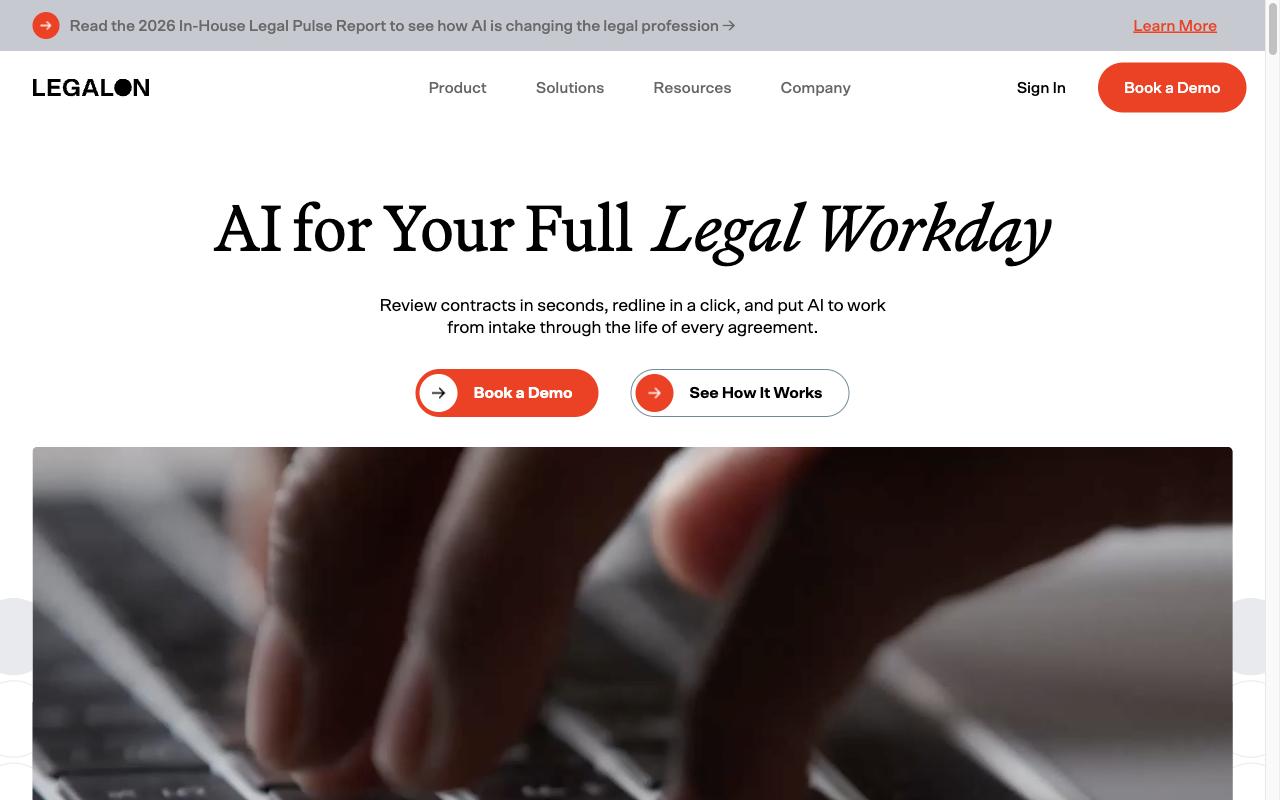
The assistant is one part of a larger LegalOn platform for contract review, matter management, and automated workflows, and all three share the same attorney-built rules. So the assistant’s answers follow the same standards your review team already uses. It works natively inside Word, with no new tool to learn.
The proof points are LegalOn’s own. The company says more than 9,000 organizations use it and that teams save up to 85% of the time they spend on routine work.
Clio Manage AI
Clio Manage AI lives inside Clio, the practice management software. It started as Clio Duo, which launched in 2024. It isn’t a research tool. It works from the case data you already keep in Clio, so it can draft an email that knows the matter history, or turn a court document into calendar deadlines.
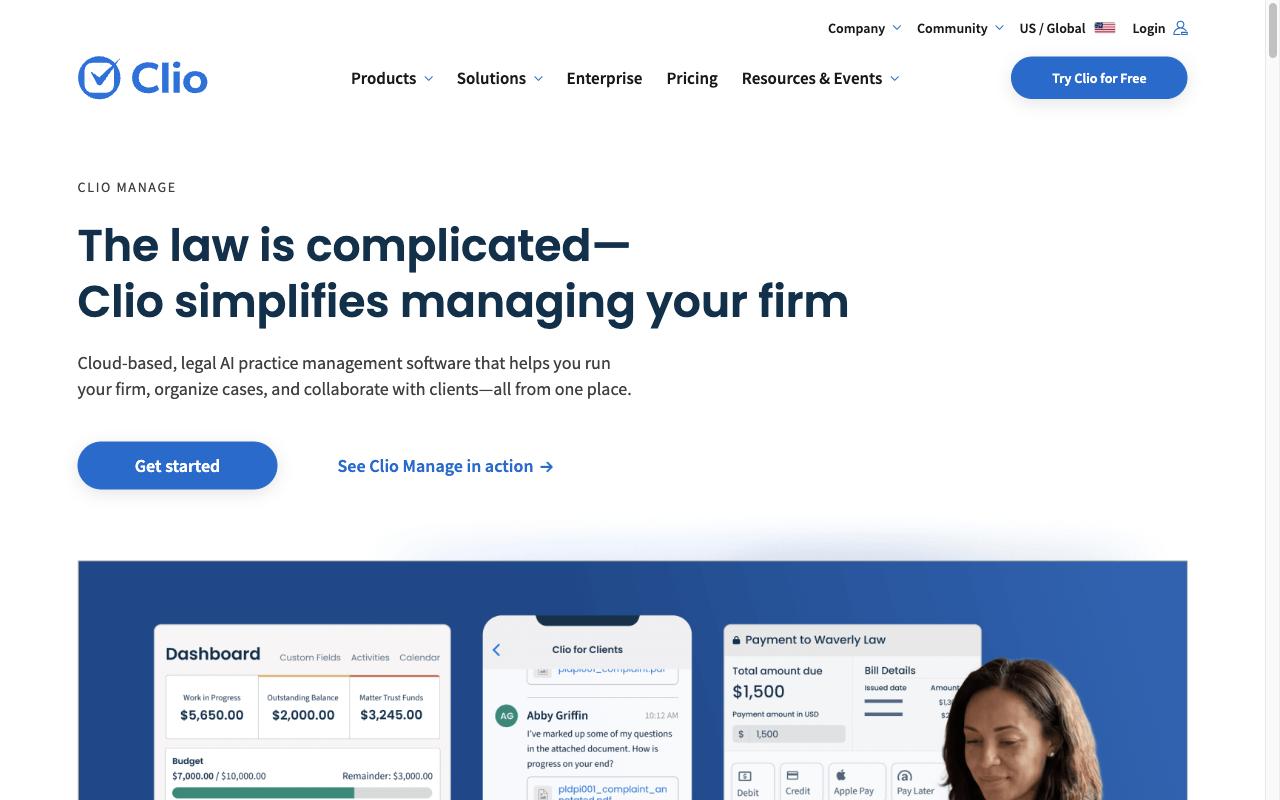
Inside Clio Manage it handles:
- Summaries and analysis of uploaded documents
- Email and letter drafts based on matter context
- Deadline extraction from court documents, with calendar events created automatically
- Tasks, notes, and events created with AI help
- Matter history summaries across notes, calls, and messages
- Draft invoices and billing approval routing
The trade-off is scope. Manage AI does not search outside legal databases or do case law research by itself. Clio bought vLex in late 2025, and Clio now pairs its practice AI with Vincent AI, vLex’s legal research tool.
Clio Manage plans start at $49 per user per month for Starter.

The AI features come with the Core plan and higher, and Clio prices those plans on request.
G2 rating: 4.6/5 (for Clio Manage)
AI Lawyer
AI Lawyer is aimed at people rather than firms: consumers, law students, solo lawyers, law firms. It runs on the web and on iOS and Android phones.
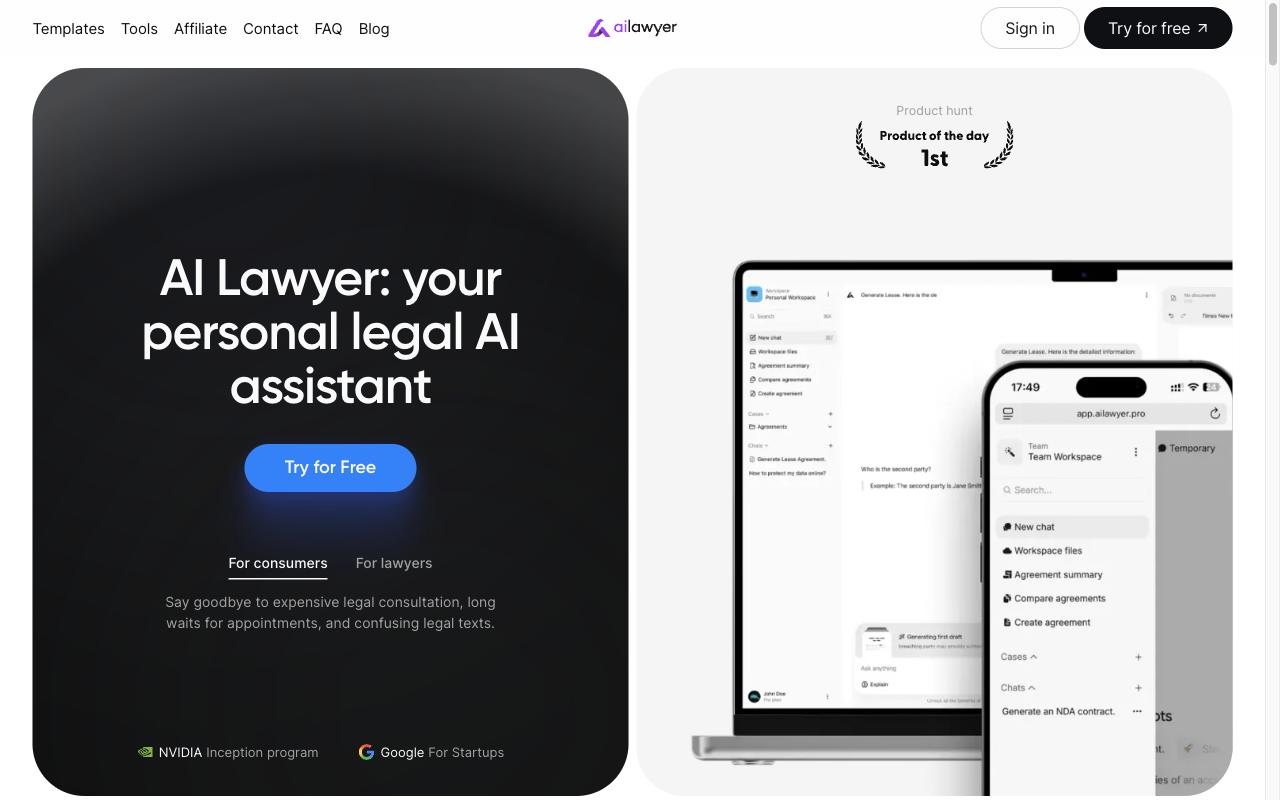
Its features:
- Legal research and Q&A that draws on the internet
- Document summaries and image-to-text
- Translation across several languages
- Personal preferences and a conversational style
- Web, iOS, and Android apps
The official site confirms a free trial and a Pro plan, but its public pages list no prices. It won’t replace an enterprise research platform. A lawyer who uses its output for client work has to check it first.
ChatGPT
ChatGPT is the general-purpose choice. Founders and legal teams use it to brainstorm, to outline clauses, to get plain-English summaries of material that isn’t confidential, and for first drafts.
What it offers:
- Drafting and writing help
- Web search and a deep research mode
- File and image uploads for analysis
- Canvas, for editing a document over several rounds
- A wide set of integrations
The problem is that it was never built to verify legal authority, and it does not reliably cite primary law. It can give you a case name that sounds right and doesn’t exist. Confidentiality is the other risk. In United States v. Heppner, a client used consumer Claude, another public chatbot, to generate draft defense materials. Legal.io reported that Judge Jed Rakoff found those drafts were not protected by attorney-client privilege or work product, the two rules that usually keep legal advice and case preparation away from the other side. Any public chatbot can carry the same risk: without enterprise controls, keep confidential client documents out of it.
There’s a free plan. Plus is $20 a month, and Business (formerly Team) is $25 per user per month, or $20 when billed annually; Enterprise pricing comes from OpenAI directly.
Criteria for Selecting Legal AI Software
Start with the bottleneck. Where does legal work cost you time or money right now? For one company it’s contracts that sit for days waiting on review. For another it’s the same research questions every week, or matters nobody can keep track of. A tool that solves a different problem is just another bill. (If you’re planning for a whole company rather than one lawyer’s desk, the guide to ai legal solutions covers the enterprise side.)
For research tools, ask where each answer comes from: primary law, secondary sources, your firm’s documents, or the open web. An answer that sounds sure but can’t be traced is a liability. Mata v. Avianca shows the risk: Bloomberg News reported that lawyers who filed six nonexistent opinions generated by ChatGPT were fined $5,000.
Security comes before anything confidential goes in. Ask the vendor for SOC 2 Type II certification, GDPR and CCPA compliance, and a written promise that your data is never used to train the model. Then check that it works with what you already use: Word, Outlook, your document and practice management systems, your CRM. A tool that makes lawyers copy results by hand out of a separate review queue gives the saved time straight back.
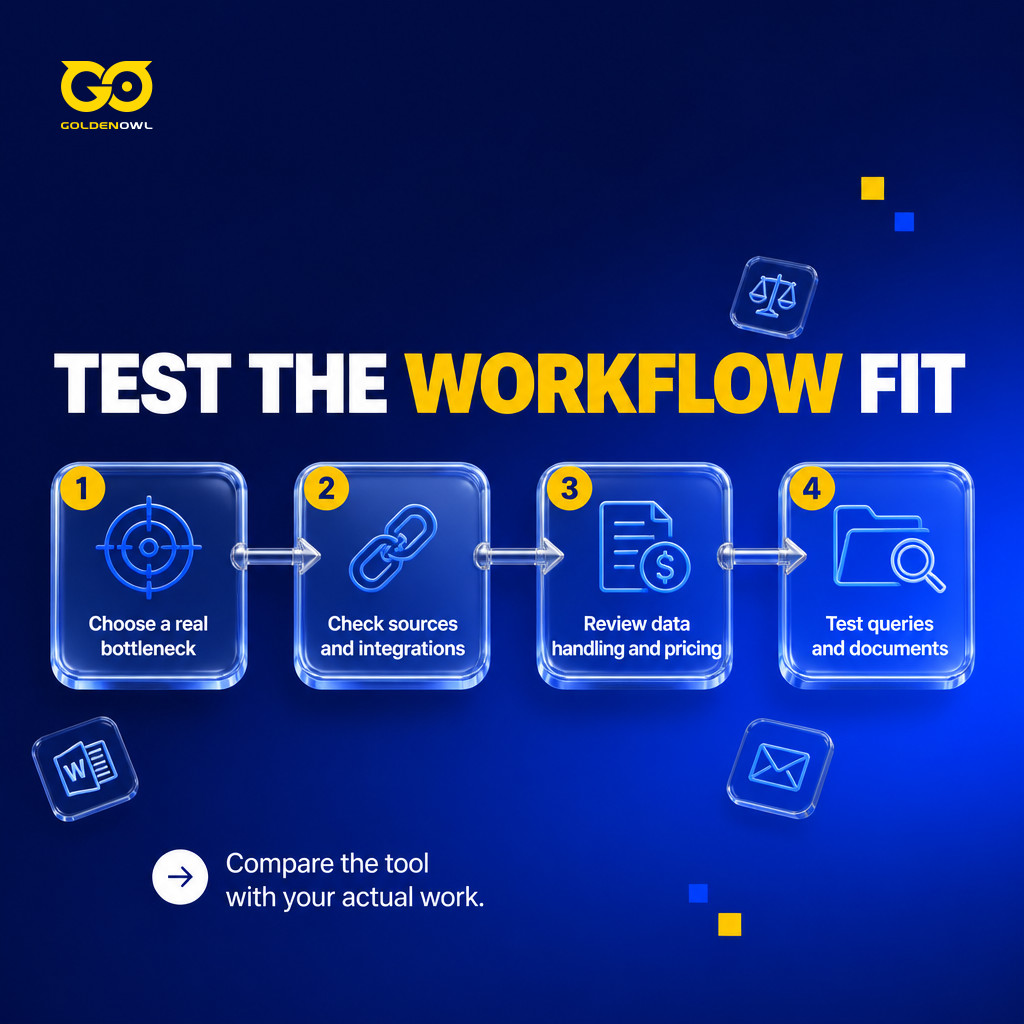
Measure the price against that same bottleneck: hours of outside counsel saved, days taken off a contract, time your in-house team gets back. Superlegal says SuiteSciens cut contract review from 3-5 days to hours and saved 5+ hours per contract after adopting its platform (that is the vendor’s own case study). For a SaaS founder, the useful question is whether the tool clears a legal delay that holds up deals. Whether it’s the cheapest option matters less.
Then run your top pick on real work before signing anything long-term. Write 3-5 research questions you already know the answers to and count how many it gets right. Once its security and data terms check out, upload a contract or brief you’re allowed to share (redacted if needed) and look hard at the analysis. Thirty minutes with your own documents tells you more than any comparison article, this one included.
Frequently Asked Questions
Can ChatGPT or Claude replace purpose-built legal software?
No, not where the legal risk is real. ChatGPT and Claude don’t know your playbooks or how much risk you accept. For a quick, low-stakes draft they’re fine. Anything that matters belongs in an assistant built on standards a lawyer has checked.
Can I use AI legal assistants for court filings?
AI legal assistants can help you prepare a filing. A lawyer still checks the AI’s research, applies that court’s rules, and approves the final document before anything is filed. And for some matters, talk to a qualified lawyer before you start: anything in court or with a filing deadline, a large or unusual contract, a dispute, or a decision involving significant money, your home, your family, or your business.
How much does legal AI software cost?
Anywhere from free to an enterprise contract. At the low end, Claude ($20/month) and Gemini ($19.99/month) have free tiers and cheap paid plans. Bigger firms pay enterprise prices, and each vendor sets them its own way. Harvey AI uses custom contracts, reportedly over $1,000 per seat per month. Lexis+ with Protégé and Vincent AI are quote-based.
Conclusion
An AI legal assistant is worth paying for when it gives you faster first drafts backed by real sources, and a lawyer still makes the final decisions. Find your bottleneck, pick the tool built for it, and give it thirty minutes: questions you already know the answers to, then one real document.
Share this page


Table of Content

Subscribe to Golden Owl blog
Stay up to date! Get all the latest posts delivered straight to your inbox